Usable weight
FilamentKeeper subtracts the empty-spool tare from the measured gross weight to show the filament you can actually use.

Native application for Mac, iPhone and iPad
Inventory your 3D-printing filament, record every weighing and know the usable quantity after the empty-spool tare is removed.

Welcome to FilamentKeeper for Mac. Manage your 3D printing filament spools, know how much is really left by weighing them, review the journal, print the list and export your data. The app is available in French, English, German, Spanish, Italian, Japanese and Simplified Chinese, and syncs with your iPhone and iPad through iCloud when you turn it on.

The app now speaks seven languages: French, English, German, Spanish, Italian, Japanese and Simplified Chinese. • New app icon • Full light theme support, alongside the dark theme • Complete support for system text sizes (Dynamic Type) • Barcode scanner and color picking from a photo • Print your spool list • Permanently delete a spool, in addition to archiving • Richer backups: brands and vendors are now included • Accessibility fixes and more reliable iCloud sync
Features
FilamentKeeper subtracts the empty-spool tare from the measured gross weight to show the filament you can actually use.
Weigh the spool and its support after a print. History and consumption update automatically.
A unique identifier distinguishes spools with the same brand, material and color.
Filter active or archived spools and review every addition, weighing and removal chronologically.
Add a photo from the camera or library and retain printing temperatures and speeds.
Export inventory as CSV, or back up and restore all data from Settings.
Preview
Views designed to move quickly from stock to weighing and spool details.
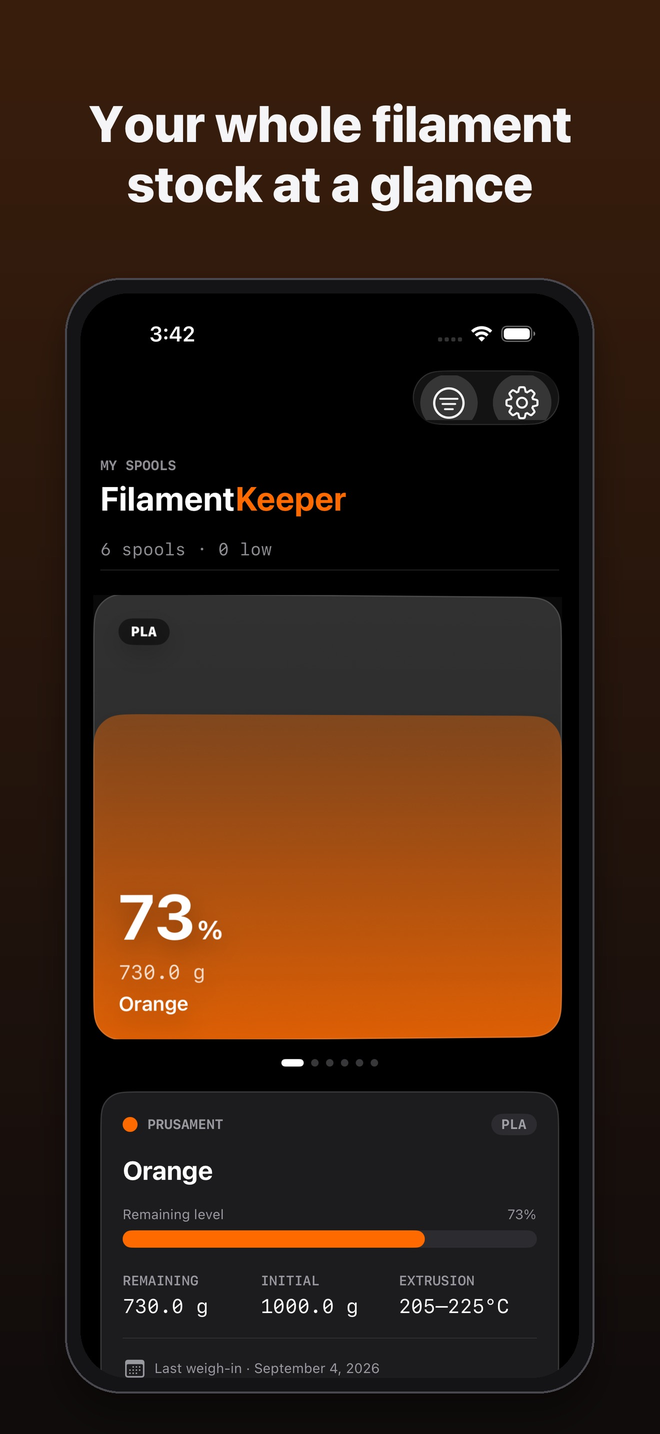
Your spools as cards, with remaining percentage, weight and color, then the details of the selected spool.
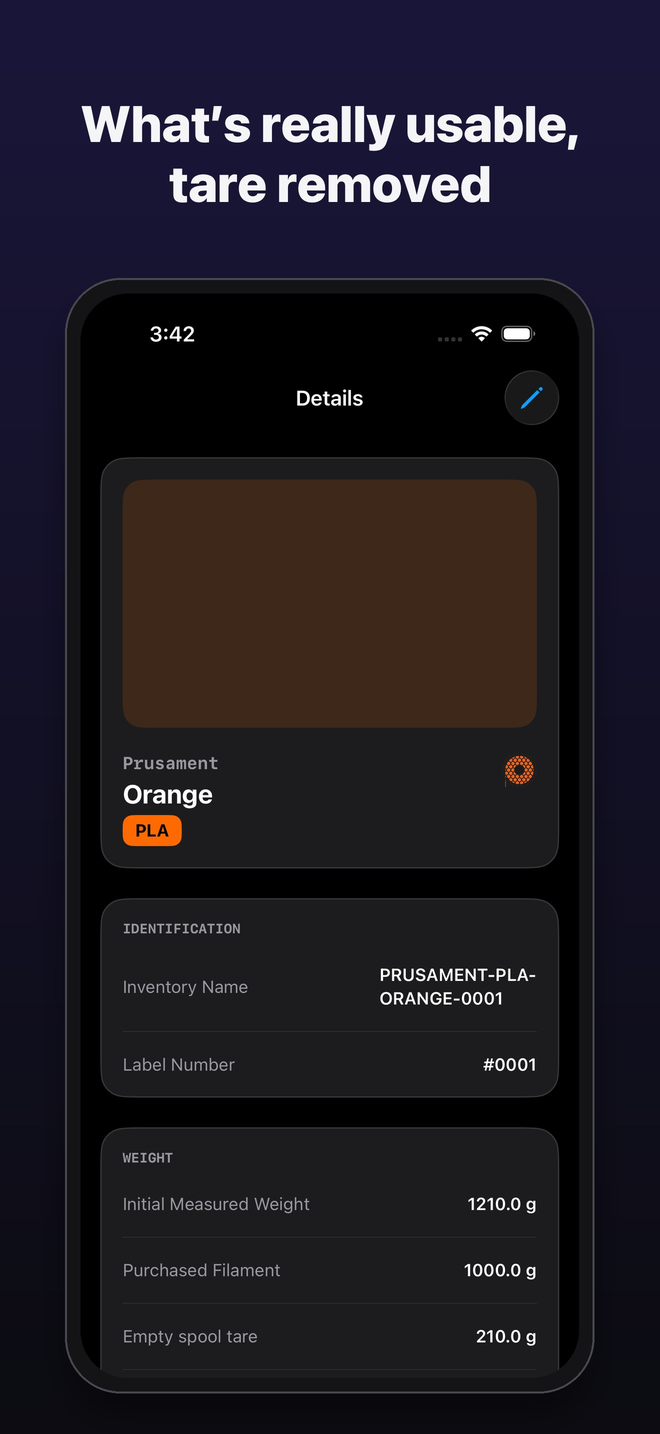
A spool’s record: identification, initial measured weight, filament purchased and empty spool tare.
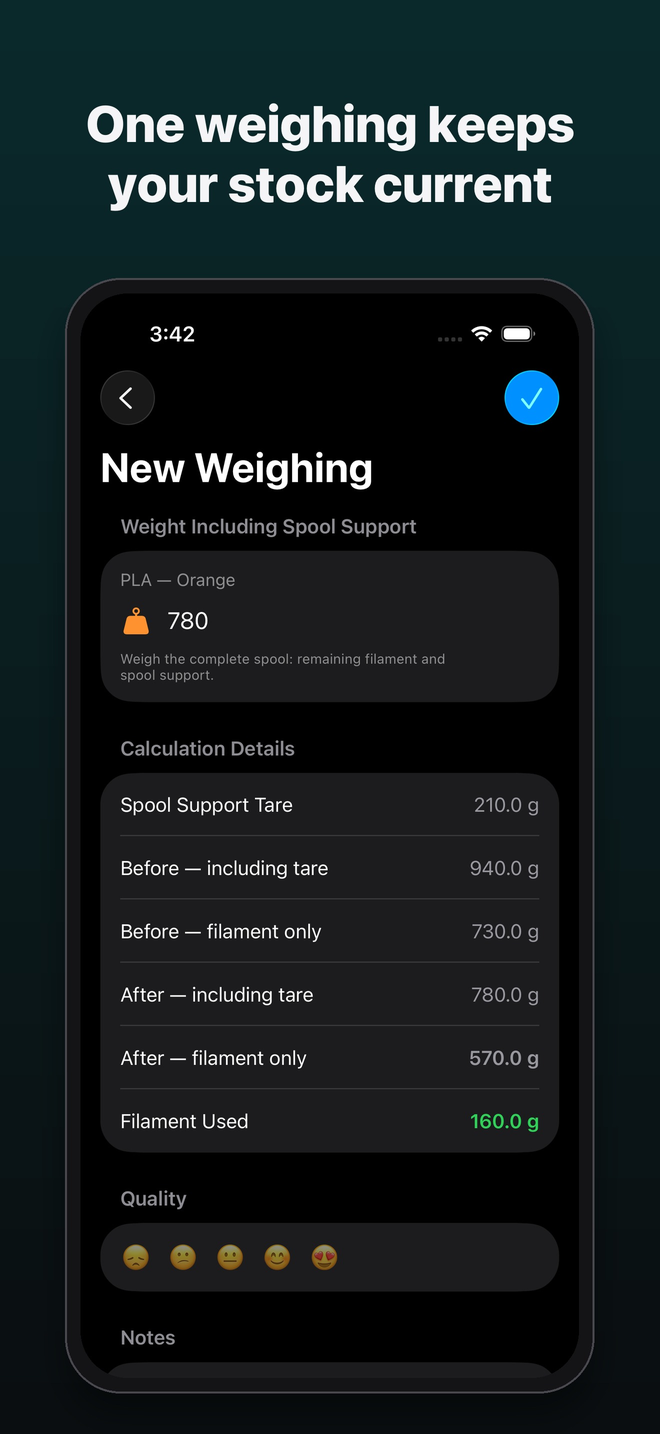
Weigh the spool on its holder: the app removes the tare and works out the filament left and used.
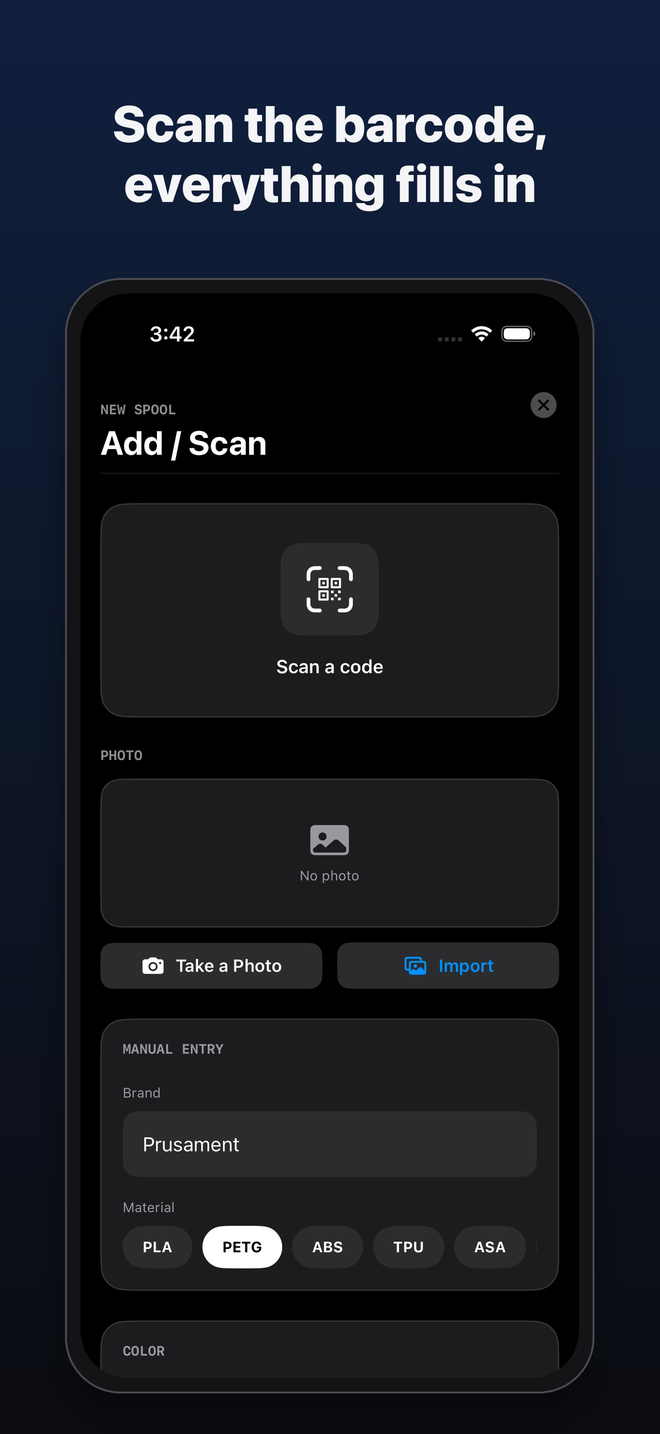
To add a spool, scan its code, add a photo or enter the brand and material.
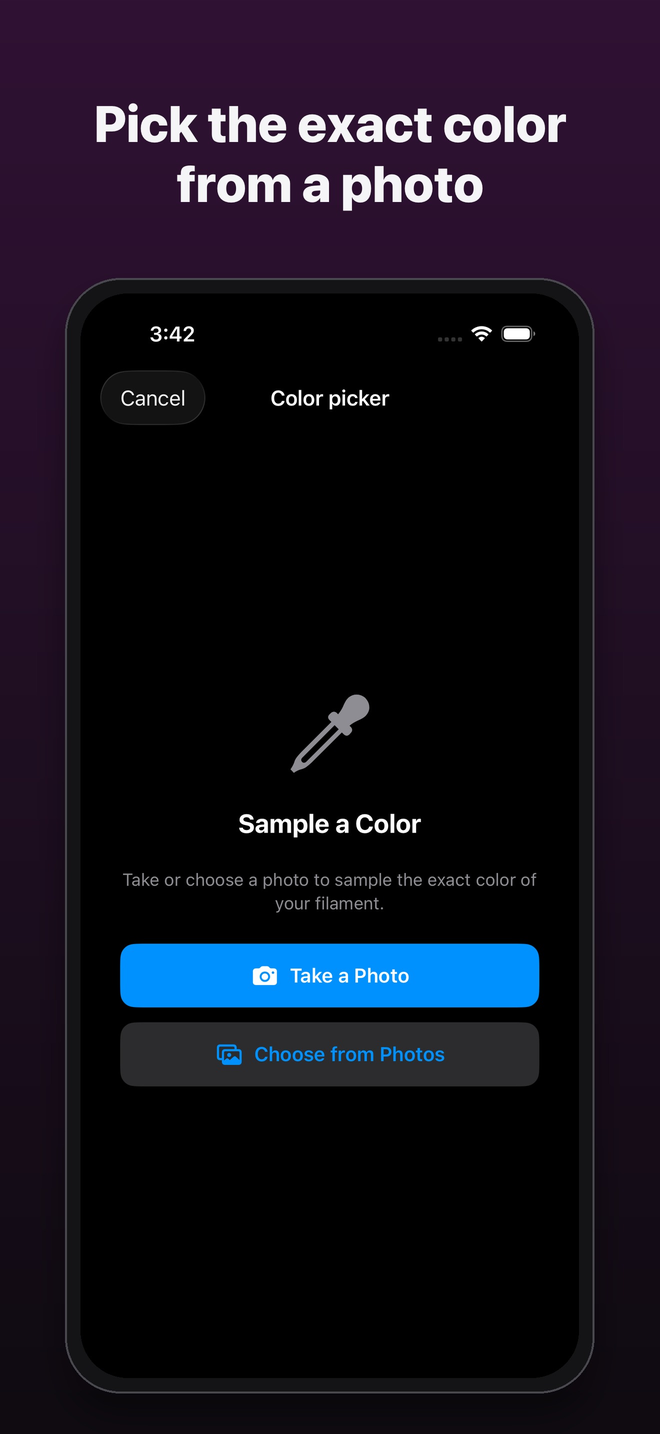
The eyedropper picks the filament’s color from a photo you take or choose in Photos.
On iPad
Five screens on iPad, in the language of this page.
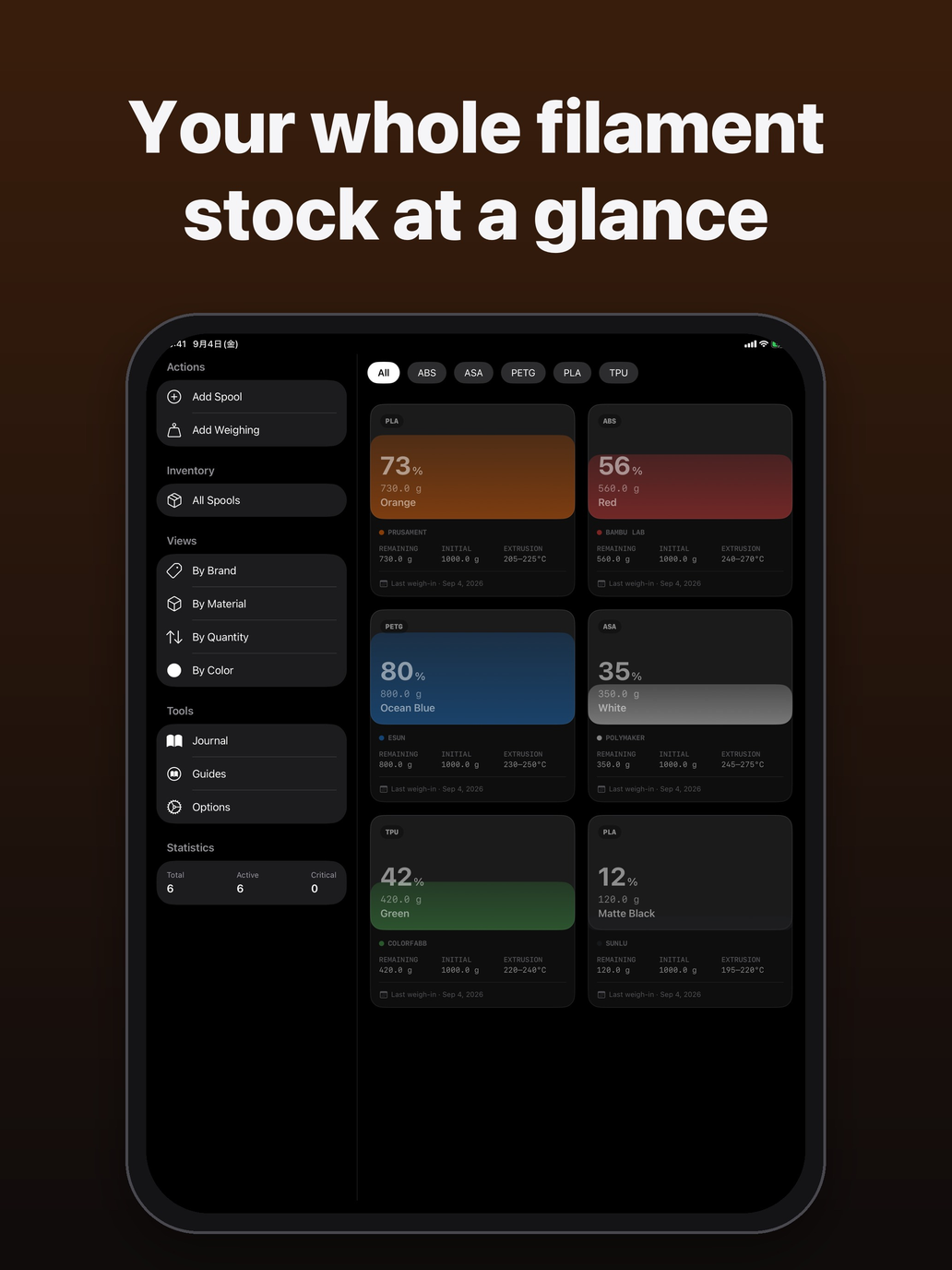
The sidebar gathers actions, views and statistics; spools sit in a grid you can filter by material.
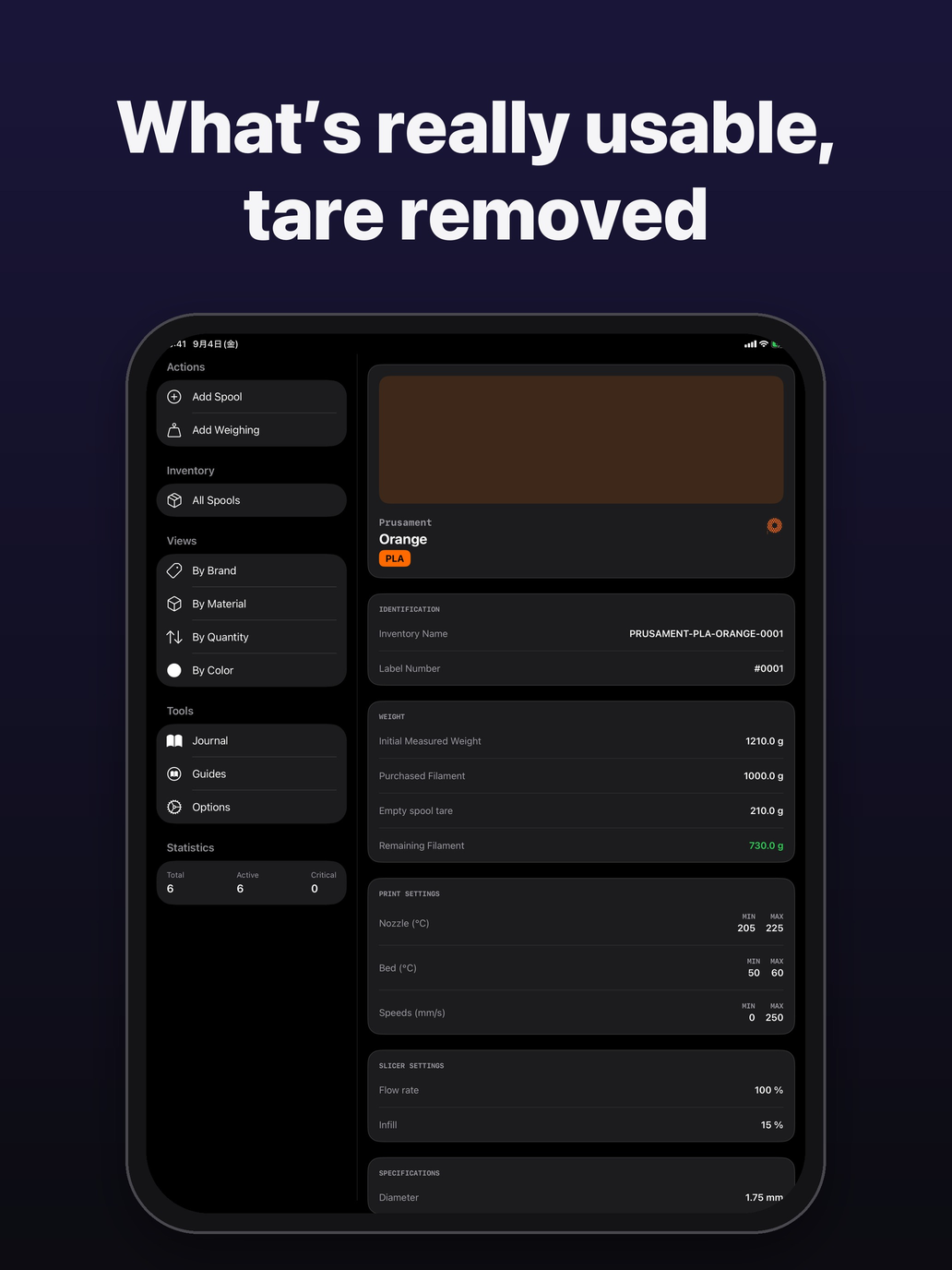
A spool’s record: identification, initial measured weight, filament purchased and empty spool tare.
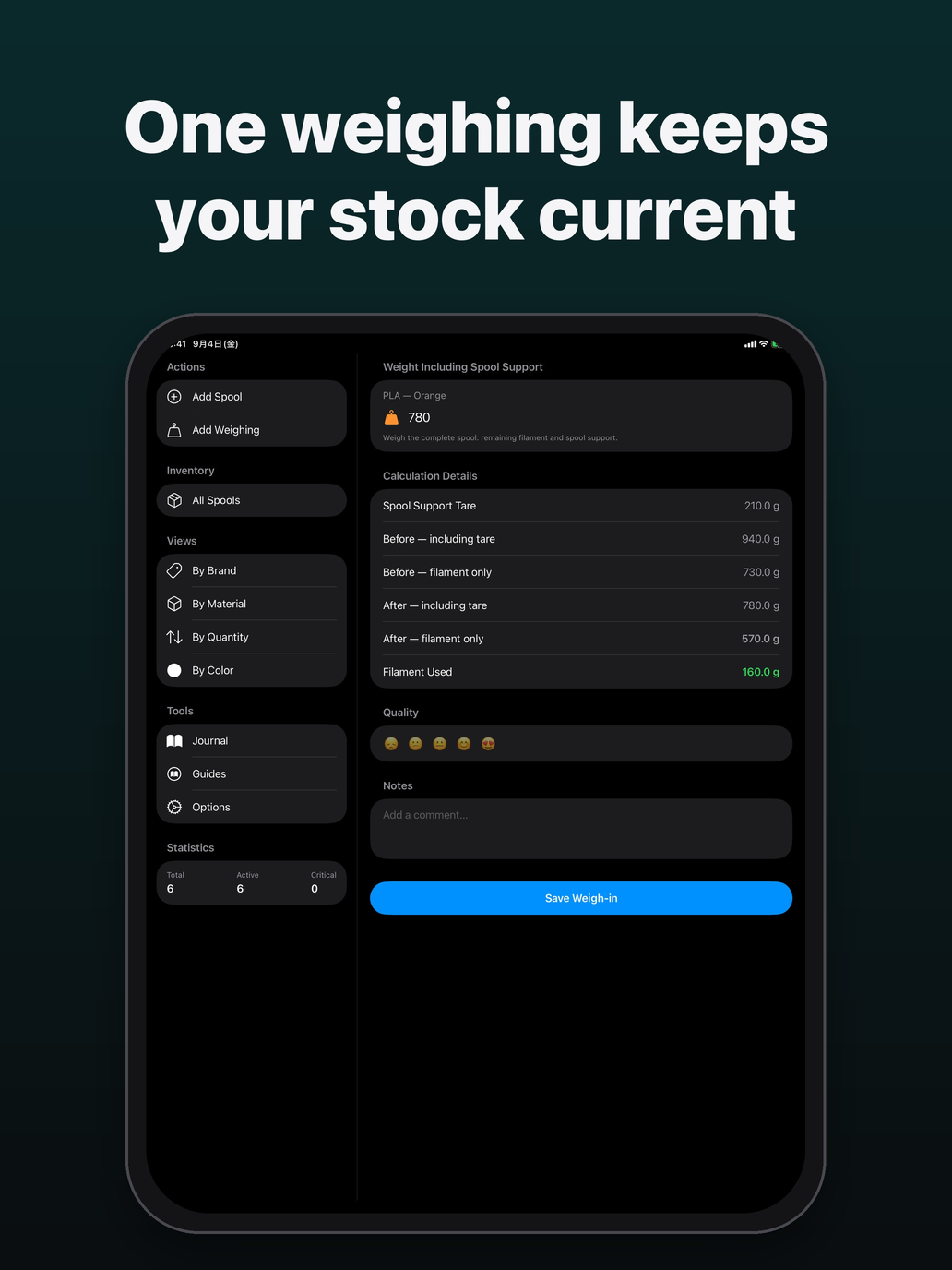
Weigh the spool on its holder: the app removes the tare and works out the filament left and used.
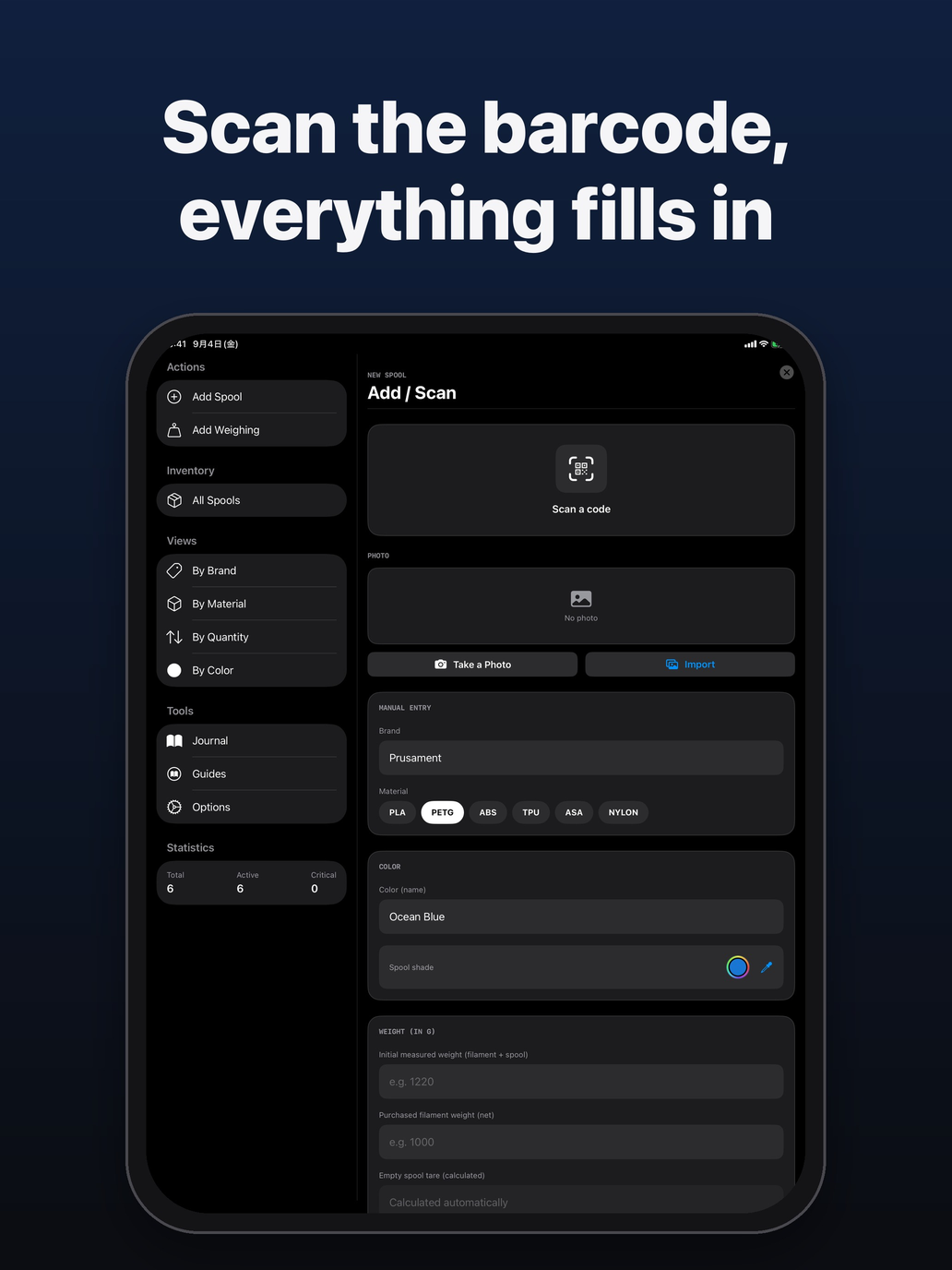
To add a spool, scan its code, add a photo or enter the brand and material.
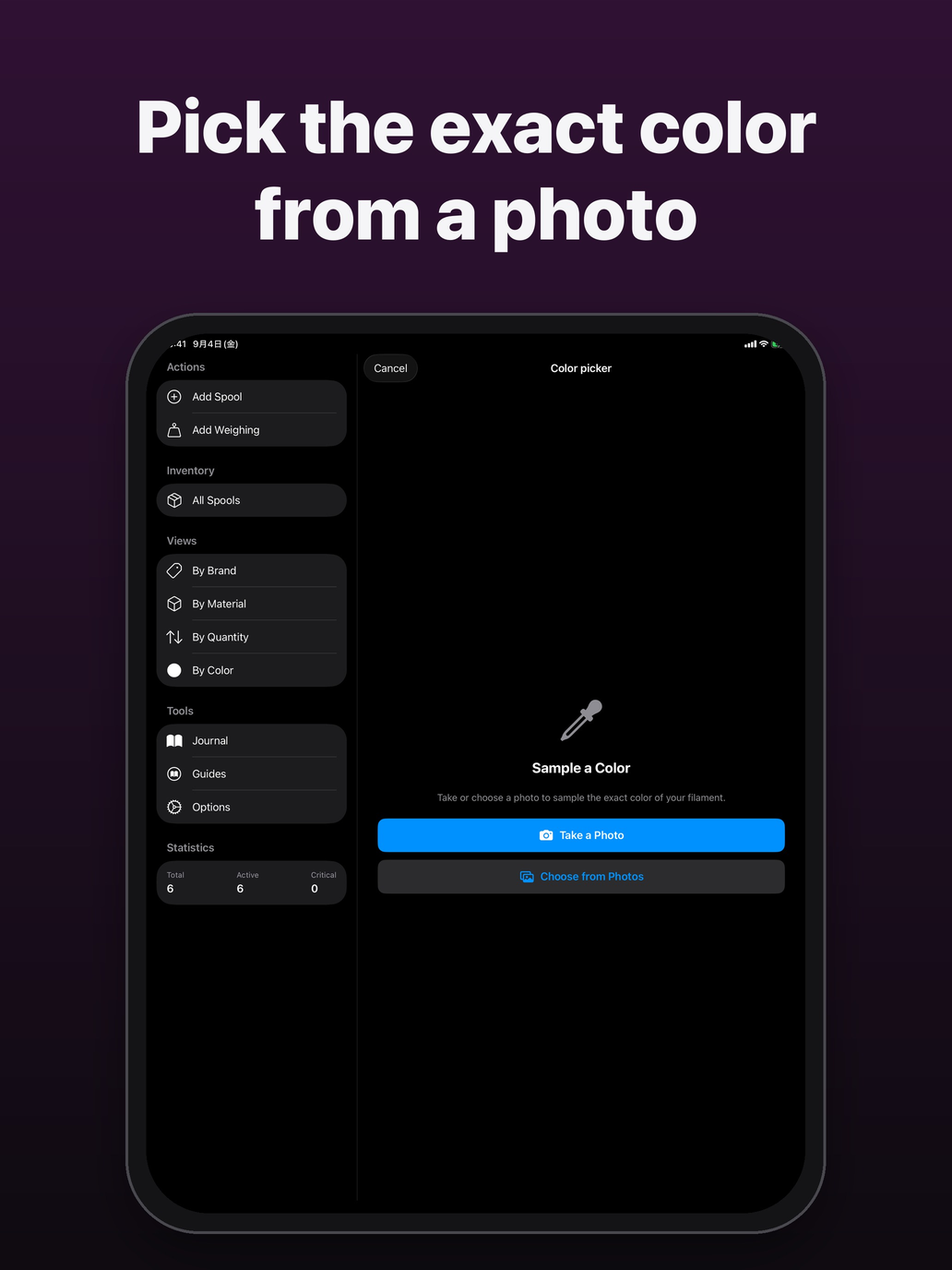
The eyedropper picks the filament’s color from a photo you take or choose in Photos.
On Mac
Five Mac screens, in the language of this page.
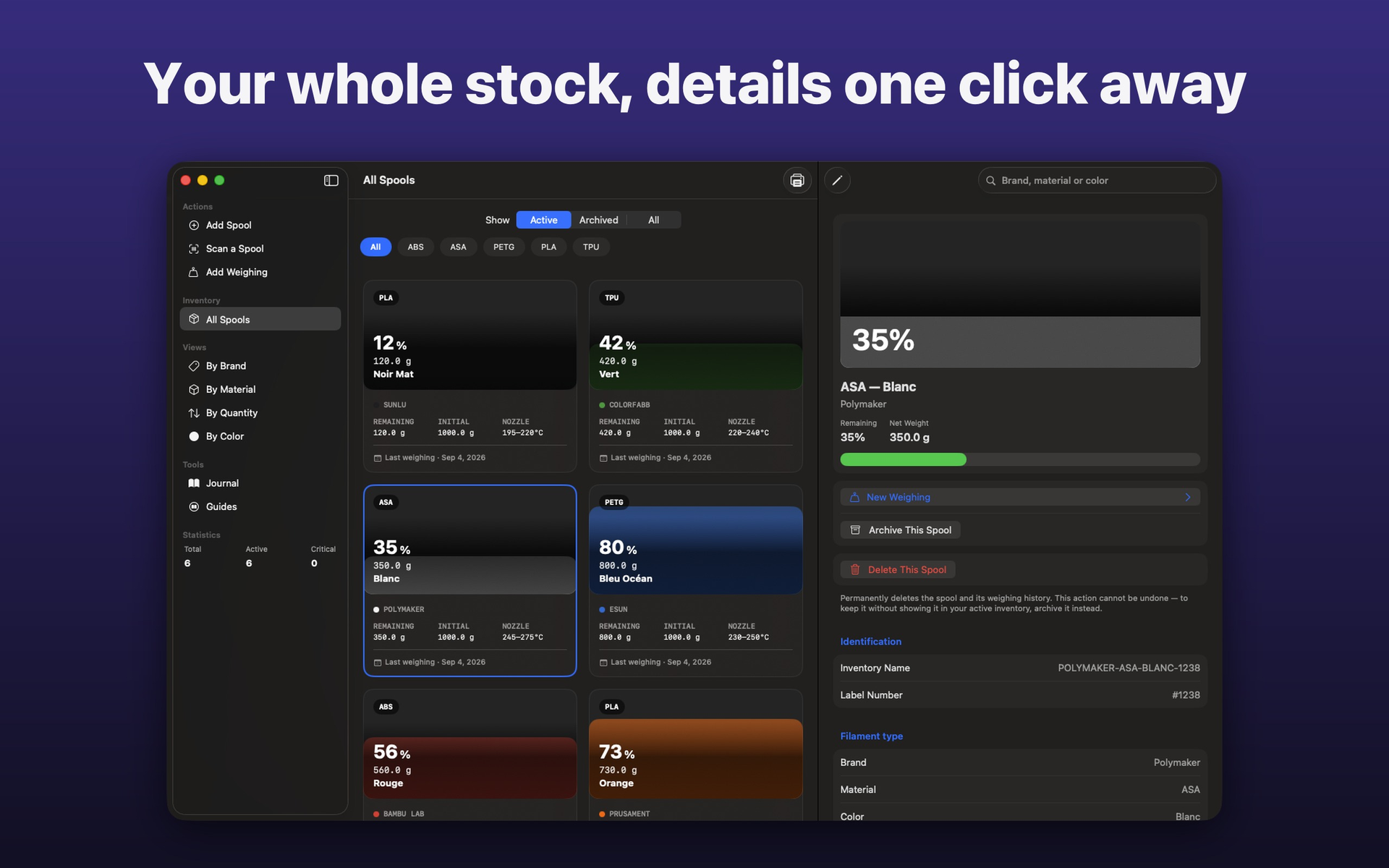
The sidebar, every spool in a grid and the selected spool’s record, in one window.
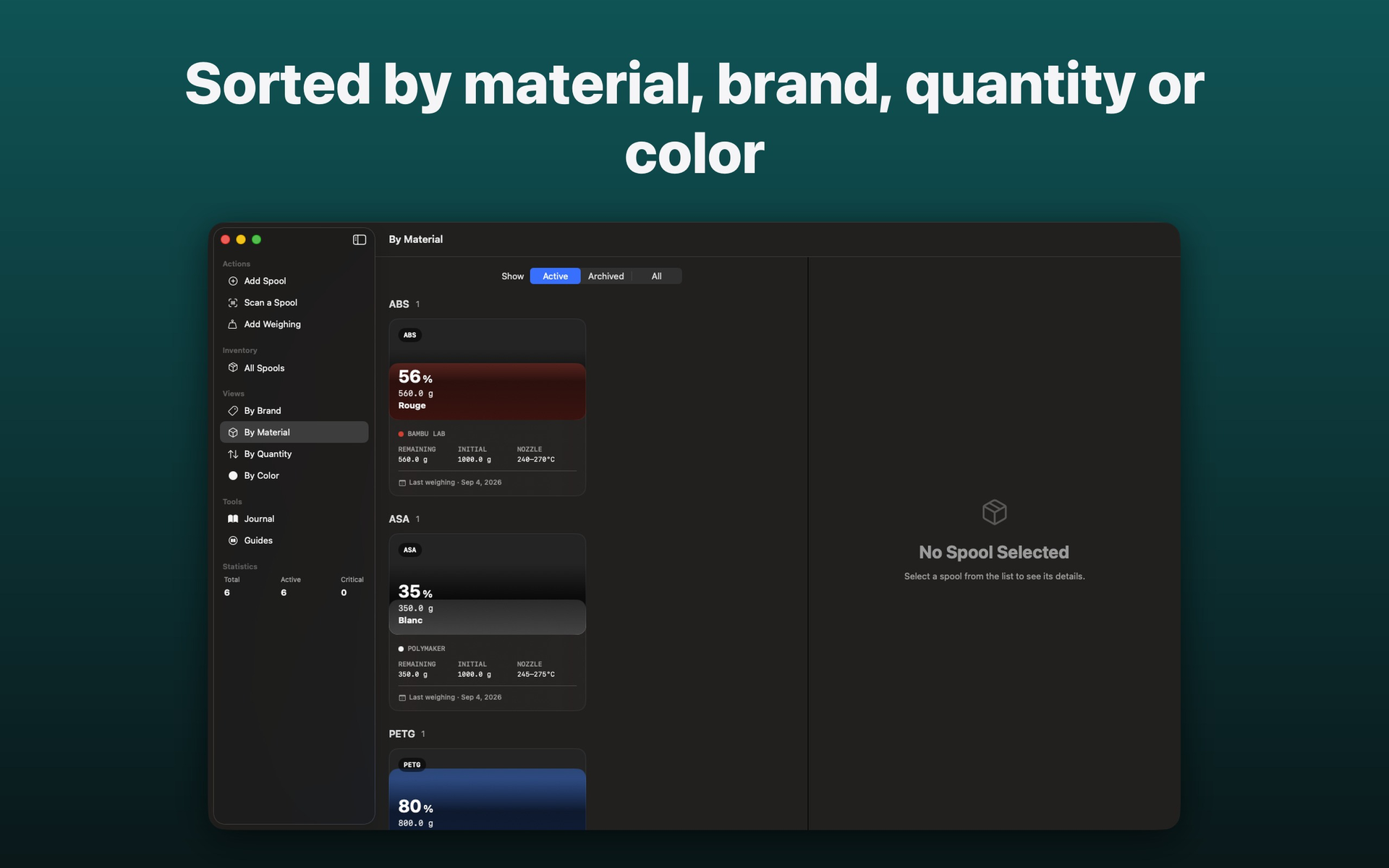
Spools grouped by material, ABS, ASA, PETG, with the selected spool’s details.
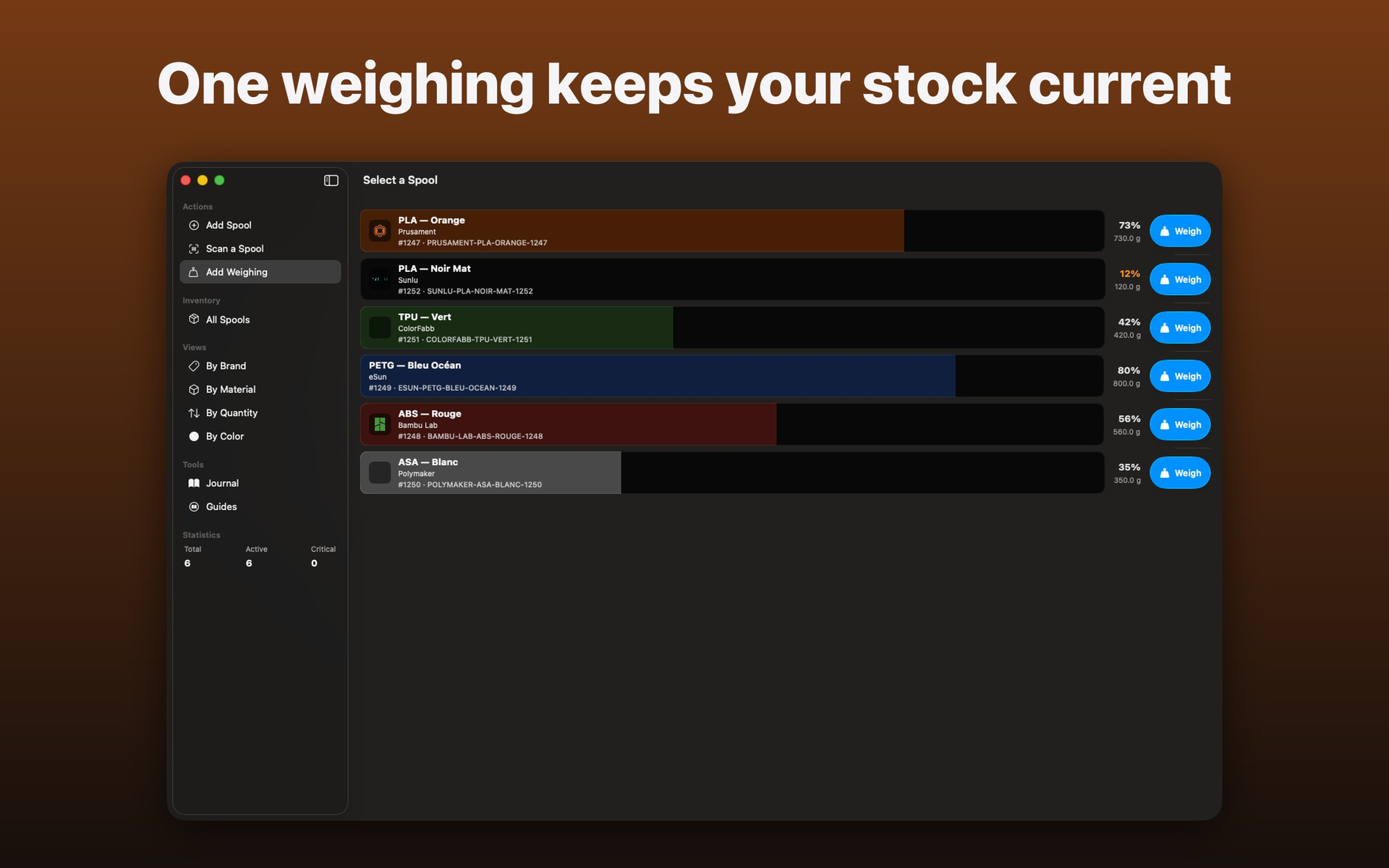
Pick the spool to weigh: each row shows the remaining level and a button to weigh it.
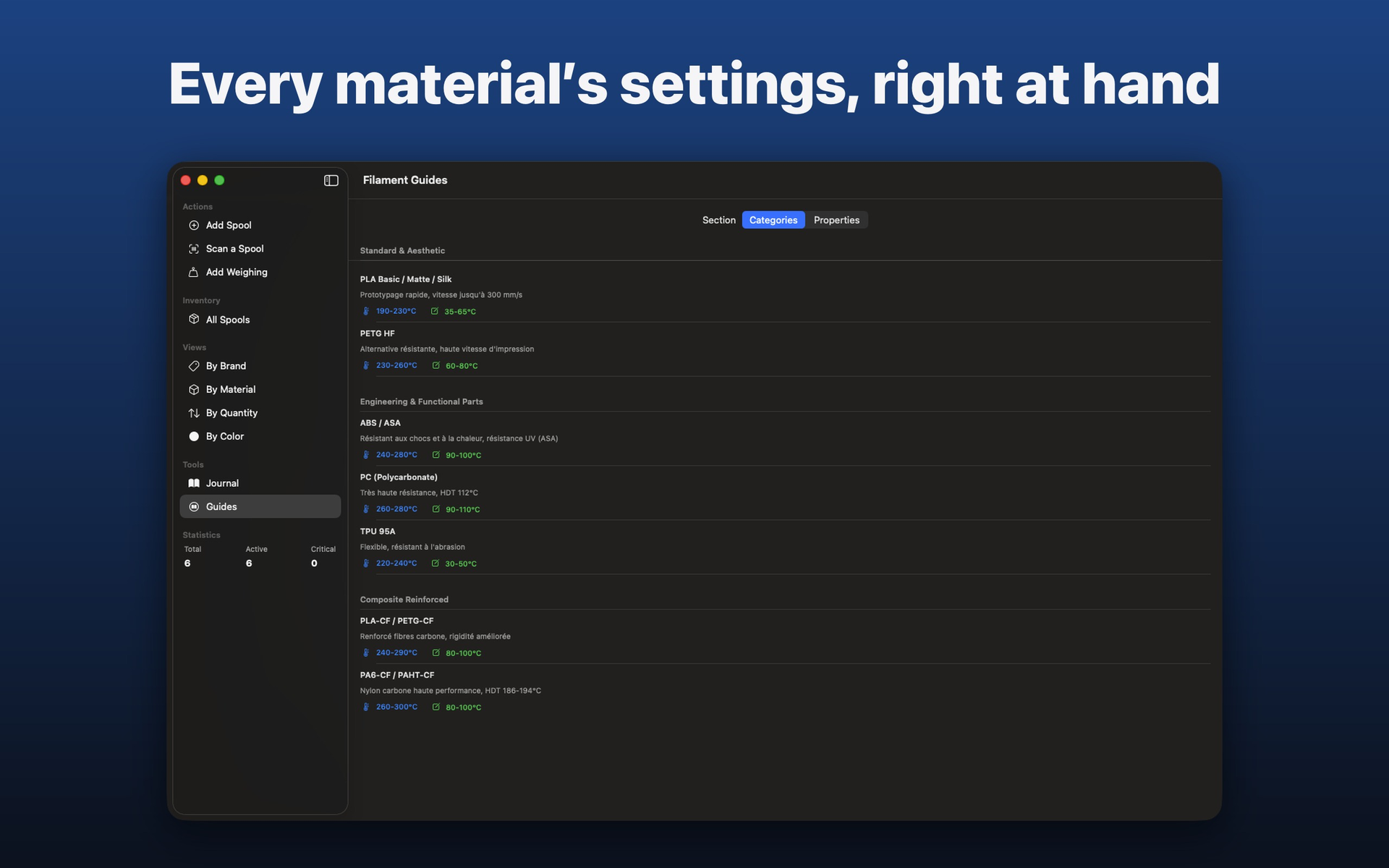
The filament guides give, material by material, the recommended use and temperature ranges.
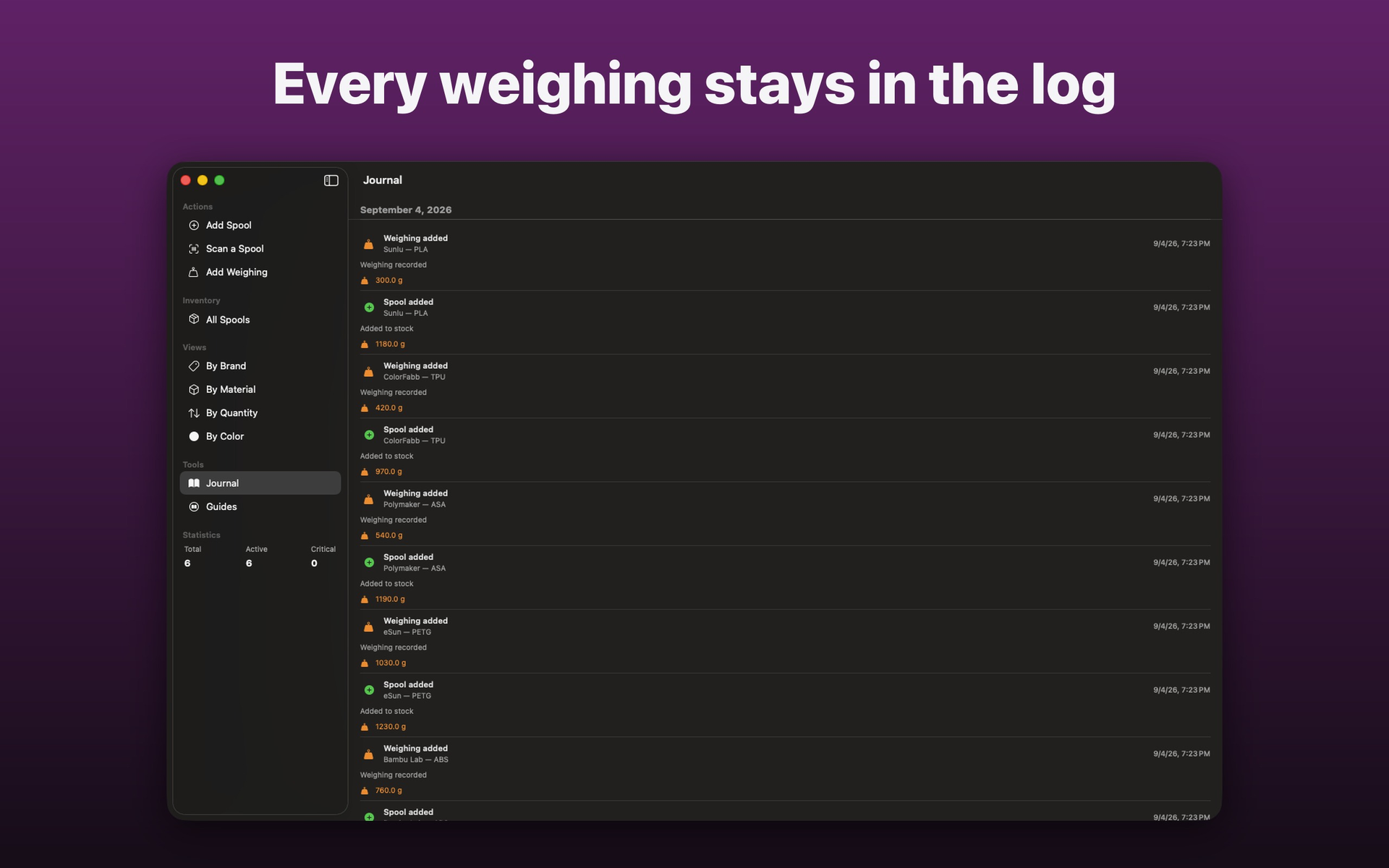
The log dates every weighing and every spool added, with the recorded weight.
Siri, Spotlight and Shortcuts
3 Siri commands and 3 actions in the Shortcuts app, on iPhone, iPad and Mac.
Siri commands
Actions in the Shortcuts app
Private data
FilamentKeeper uses no trackers, advertising, analytics services or third-party frameworks. The application is built exclusively with Apple frameworks.
Spools, weighings, photos and preferences reside inside the app on your device.
Sync between devices using the same Apple Account is off by default and enabled in Settings.
Export CSV or a complete backup, then import your data when needed.
FilamentKeeper does not sell or share your data. Deleting the app erases local data that has not been exported or synchronized. Camera and photo-library access is optional and used only to attach an image to a spool.
privacy@rapinology.com →Support
Include your iPhone or iPad model, iOS or iPadOS version, and FilamentKeeper version. Do not send a backup containing your data unless requested.
support@rapinology.com →