Referenced files
Schama never copies your 3D files: it references them at their original location, in Files or iCloud Drive.
Native application for Mac, iPhone and iPad
Catalog your 3D printing and modeling files without ever copying them: libraries, colored tags, interactive 3D preview, on-device AI summary and a complete history of every print.

A 3MF file prepared in a slicer such as Bambu Studio keeps the size you gave it, and an object printed several times appears that many times. Dimensions, surface area and volume are now correct, and multi-part objects no longer appear twice. In the Finder, Quick Look on a multi-part 3MF no longer shows duplicate objects.

3MF models appear in the 3D preview again. Since 2.2.0, some showed only their bounding box, and the app could quit when opening them. A 3MF file prepared in a slicer such as Bambu Studio keeps the size you gave it, and an object printed several times appears that many times. Dimensions, surface area and volume are now correct. In the Files app, the preview of a multi-part 3MF no longer shows duplicate objects.
Features
Schama never copies your 3D files: it references them at their original location, in Files or iCloud Drive.
USDZ, STL, OBJ, PLY, FBX, DAE, ABC and 3MF — a single catalog for all your modeling and printing formats.
Rotate and zoom into each model directly inside the app, with no third-party software.
Group your objects into named collections, each with a custom icon chosen from twenty available.
Assign existing tags by drag and drop, or create new ones in the color of your choice.
A single file can have several recorded prints: printer, filament, quality and date for each one.
A description of each object is generated on-device with Apple intelligence, never sent to a server.
Automatic catalog sync across your devices, plus optional duplication of a file to iCloud Drive.
Application preview
Seven macOS screens, in the language of this page.
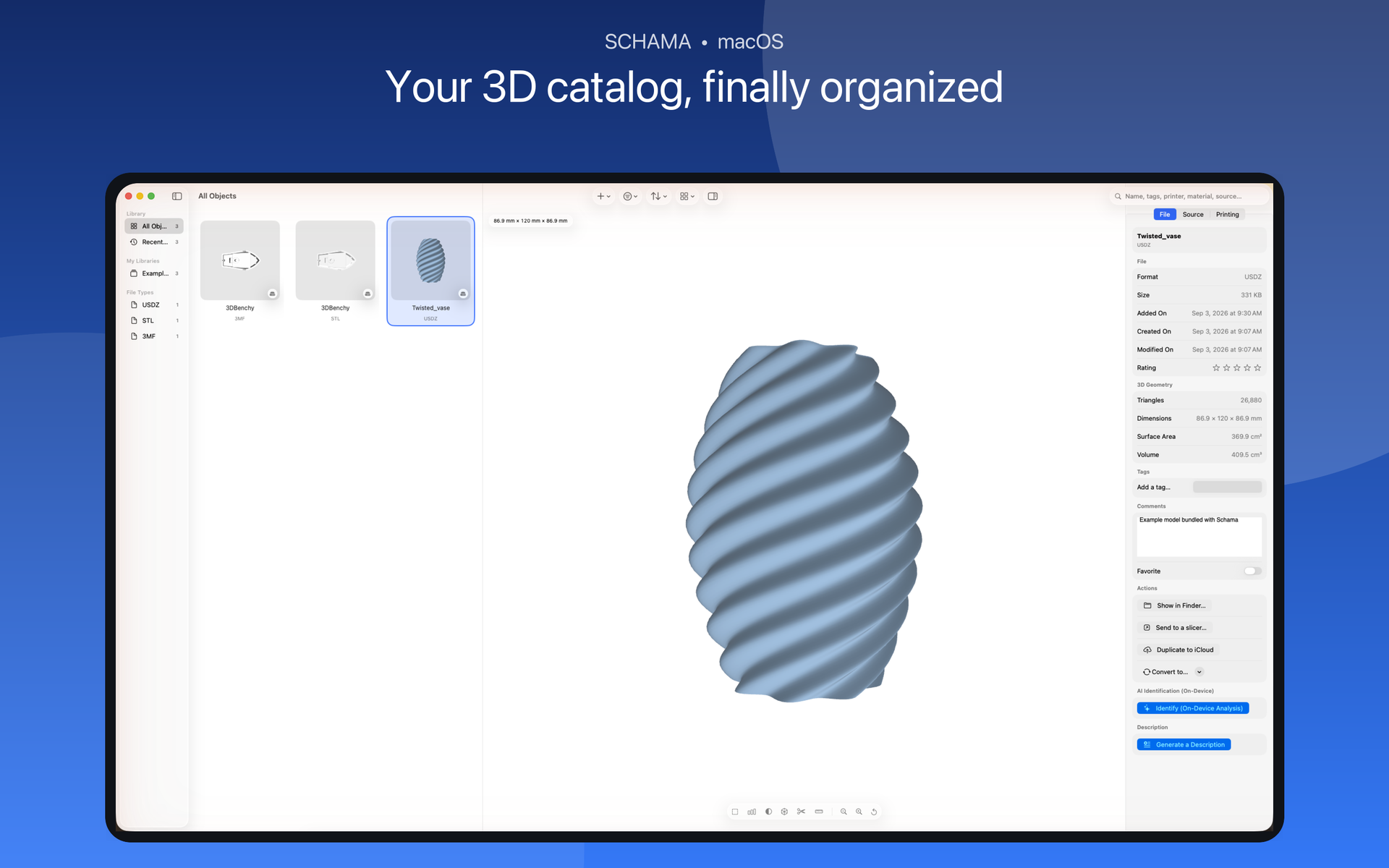
STL, 3MF and USDZ together, with size and format.
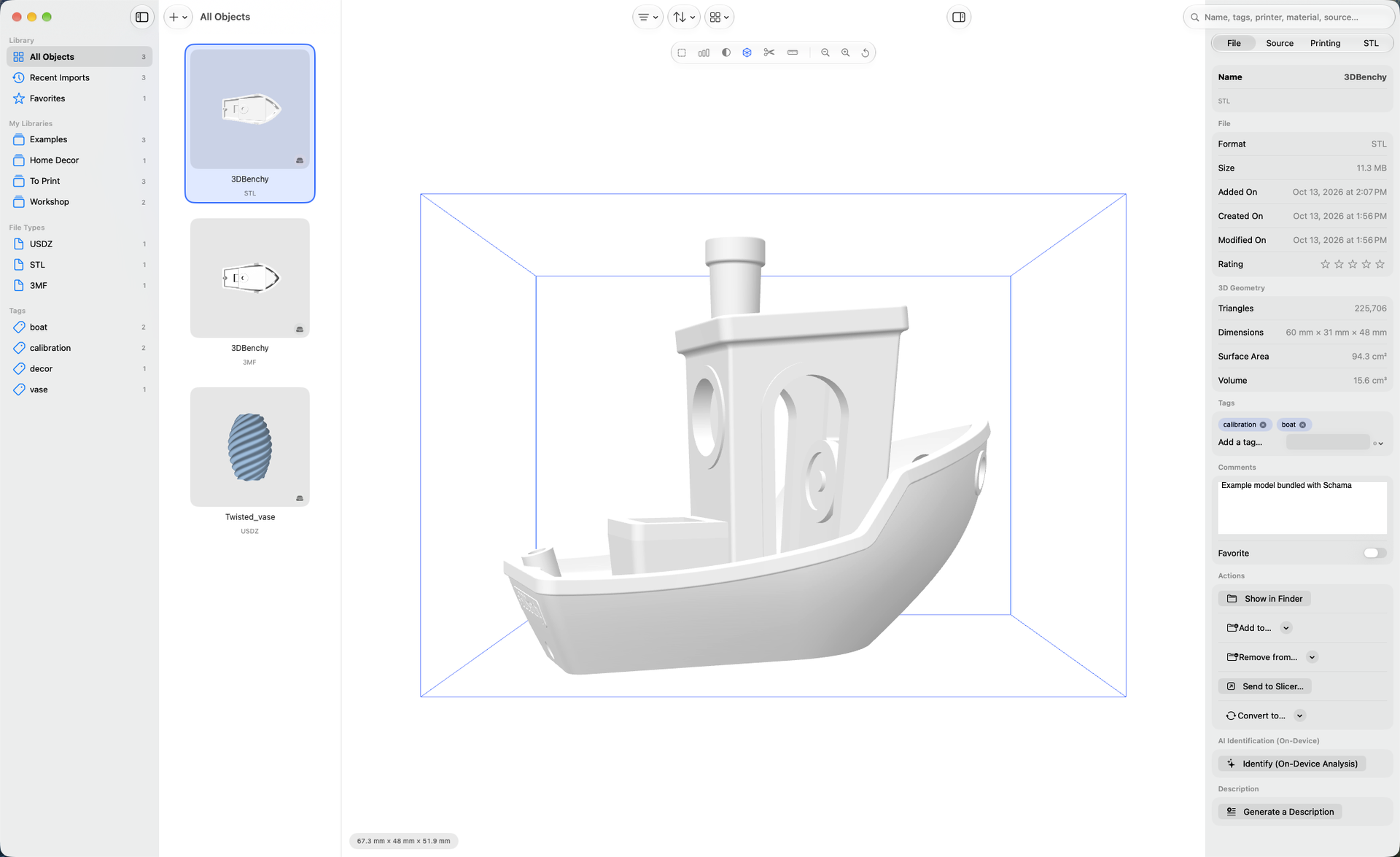
Triangles, dimensions, surface area and volume, read from the file.
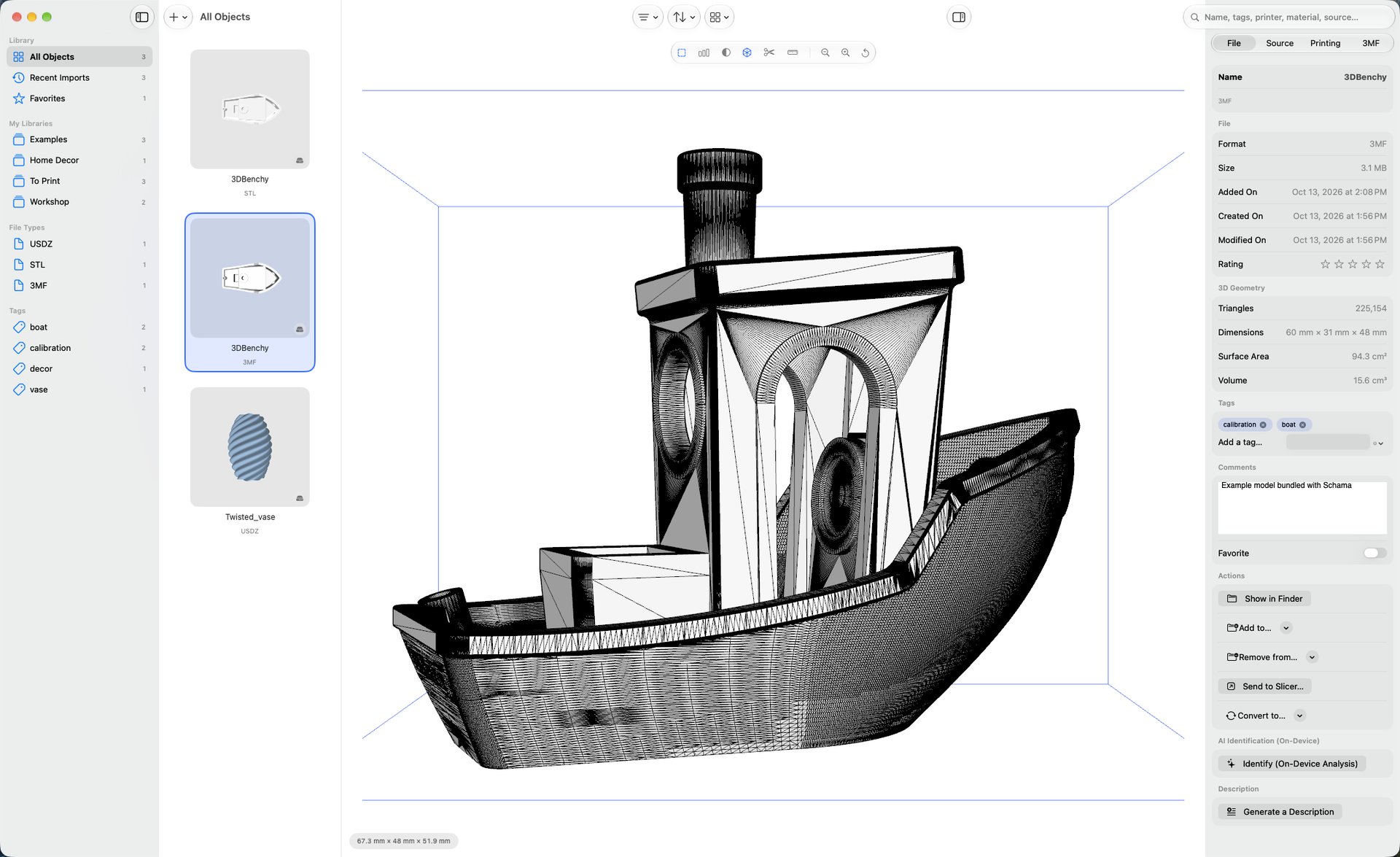
Every triangle of the model, in wireframe.
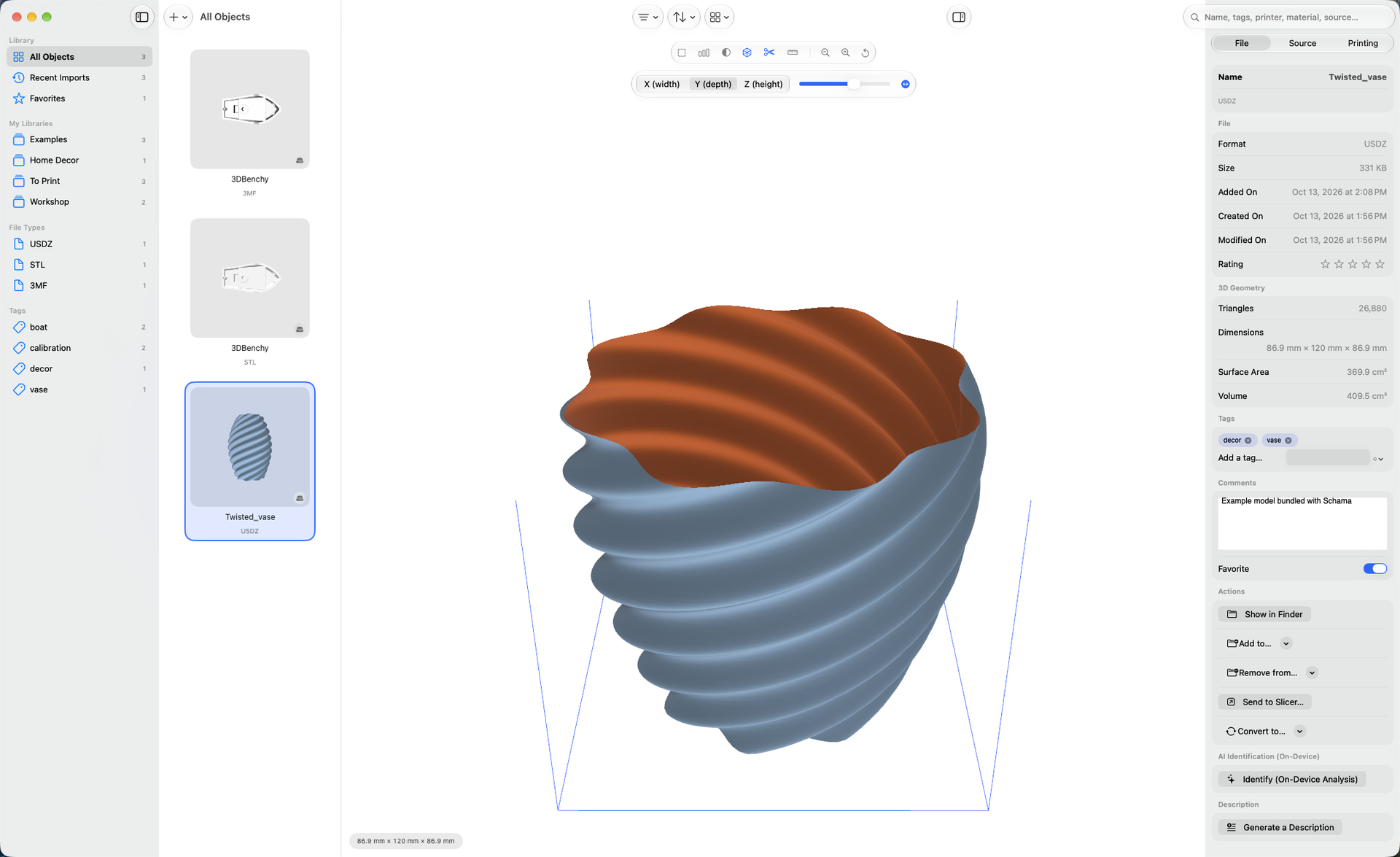
A clipping plane across width, depth or height.
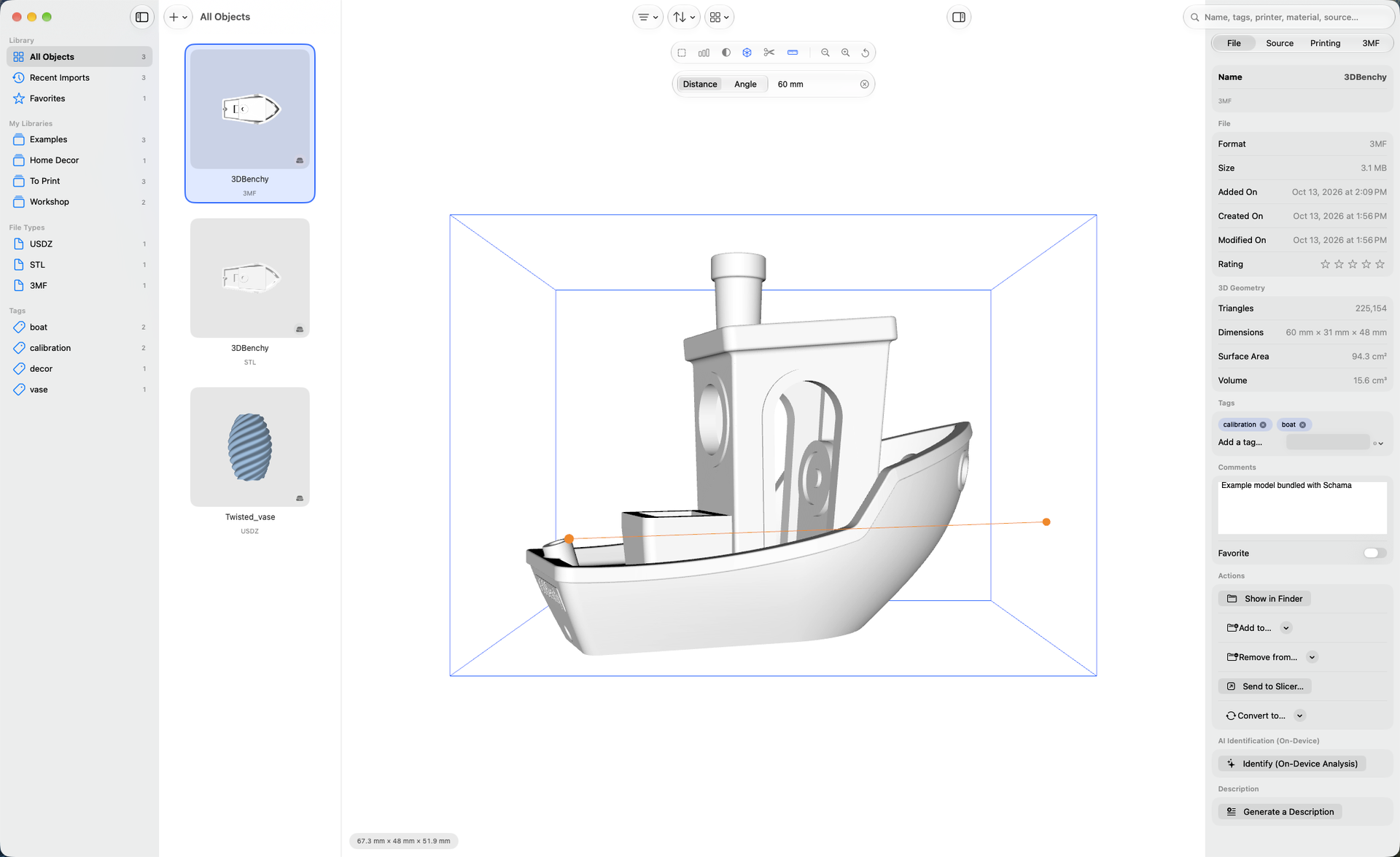
Distances and angles, point to point.
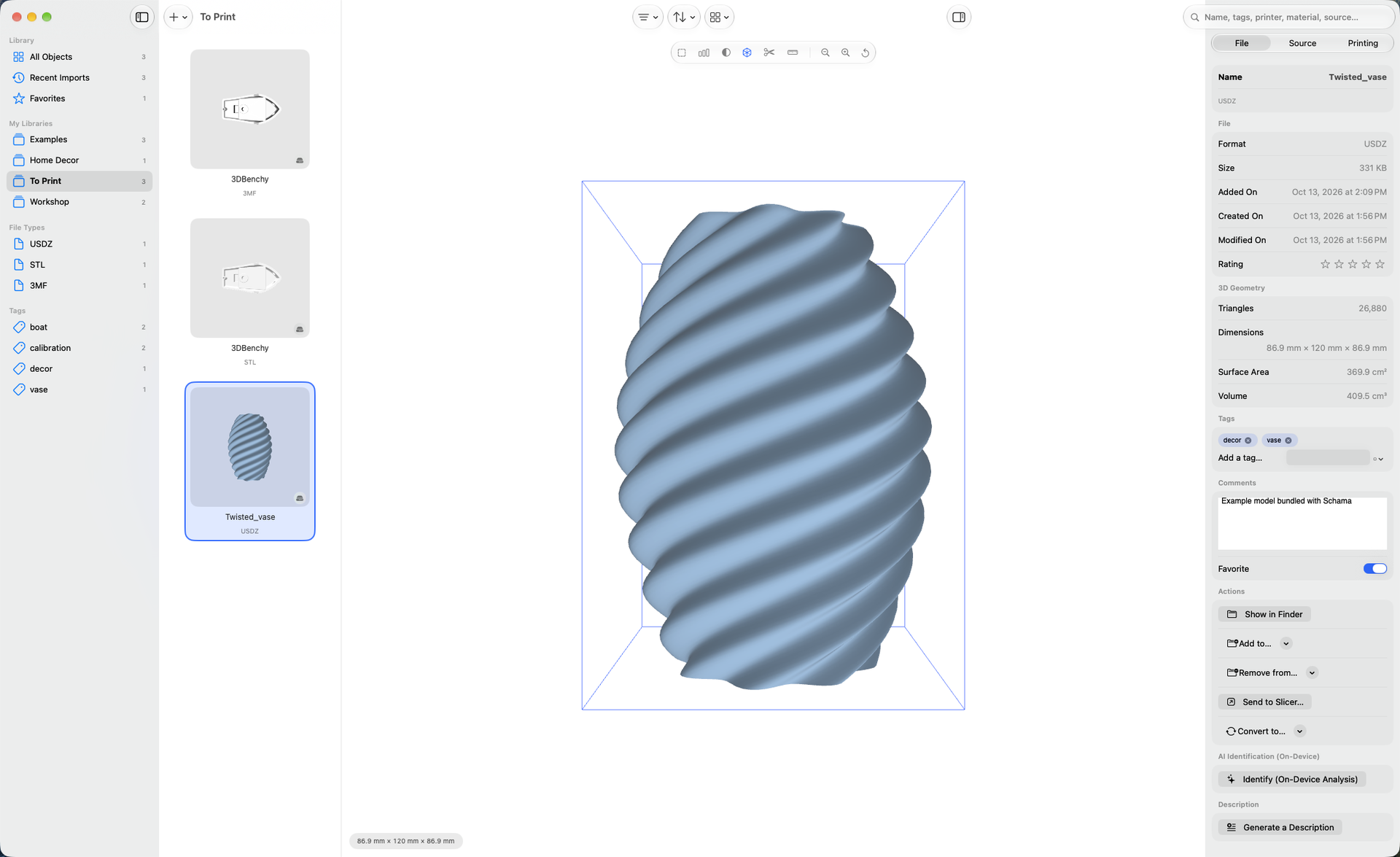
Libraries, tags and favorites at a glance.
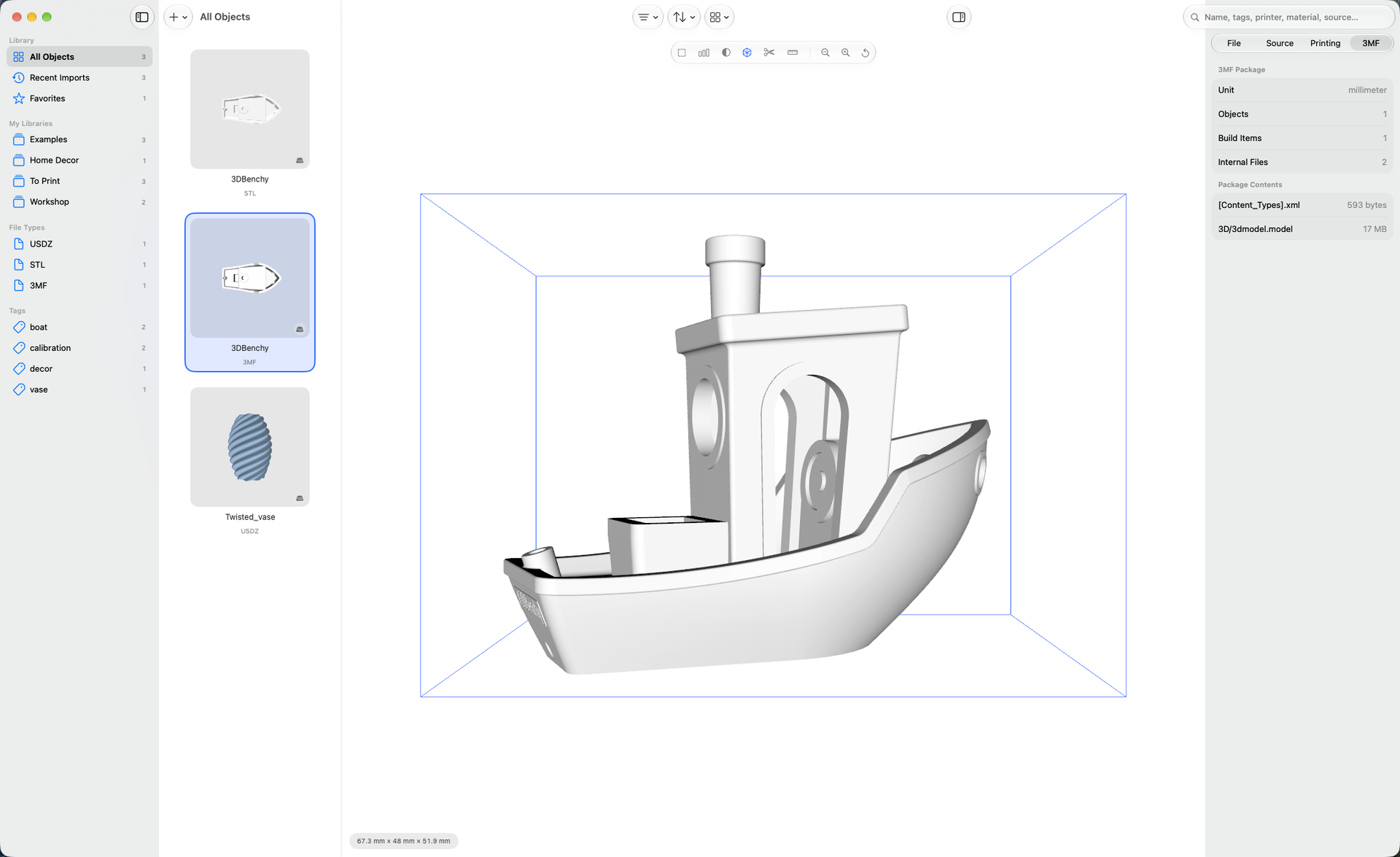
Units, objects and the files within the package.
On iPhone
Screenshots taken on iPhone, in the language of this page.
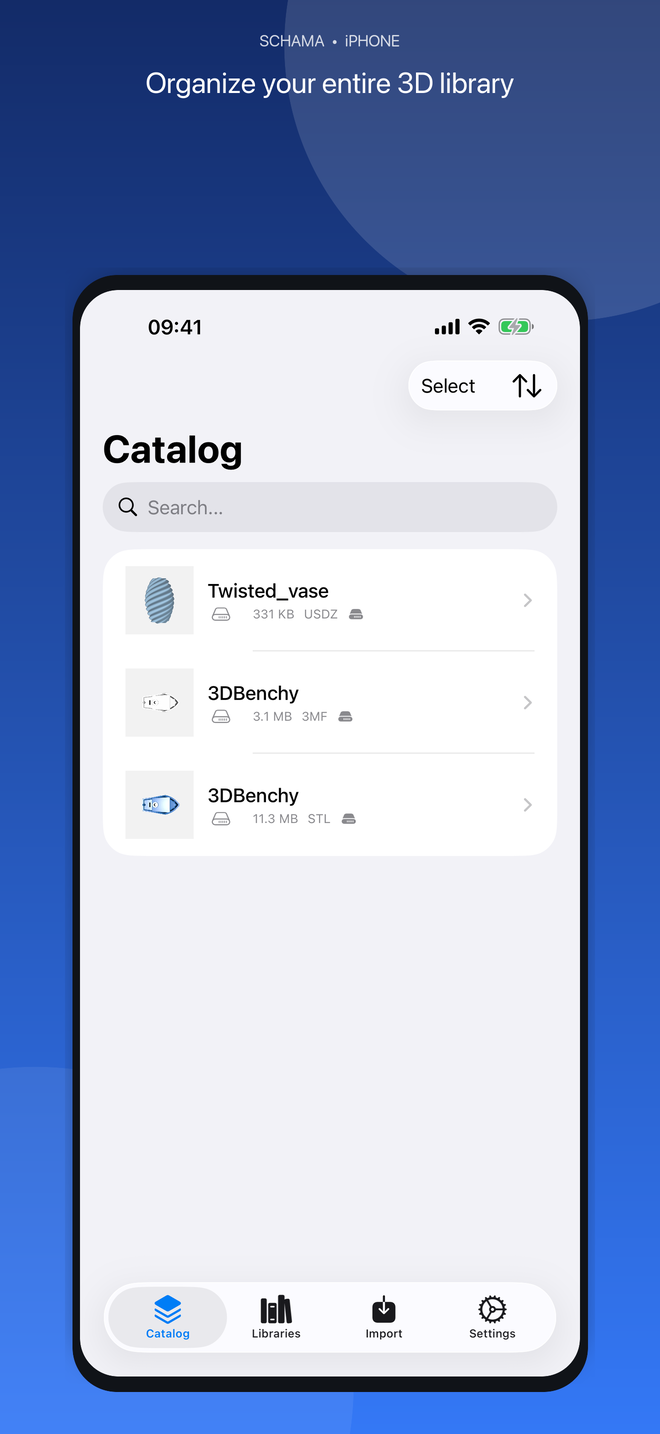
STL, 3MF and USDZ together, with size and format.
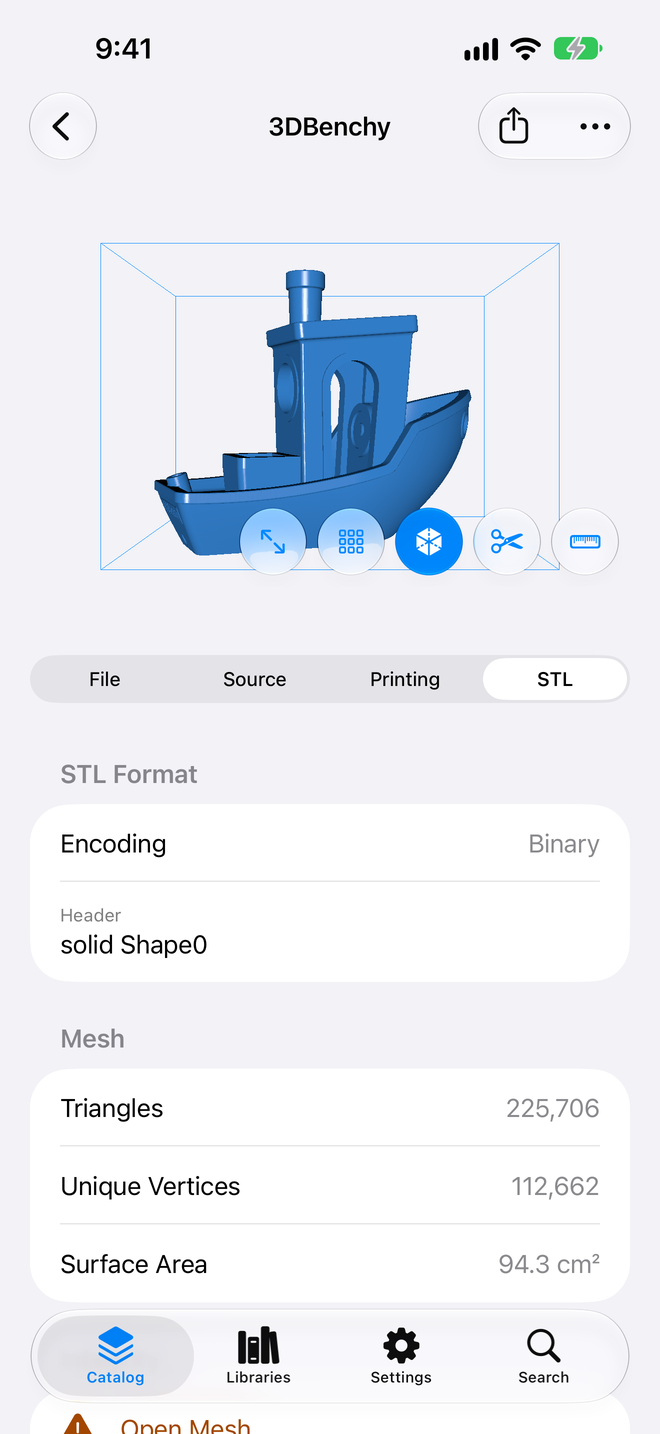
Triangles, vertices and surface area, read from the file.
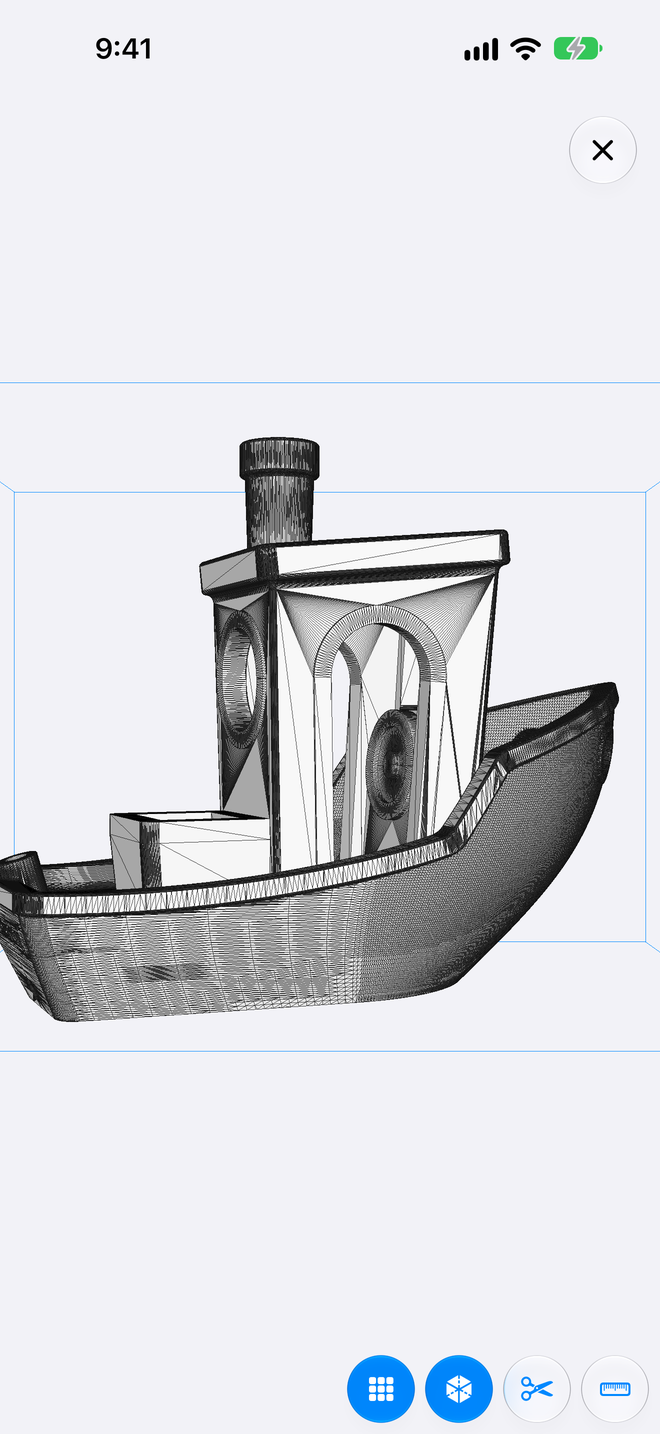
Every triangle of the model, in wireframe.
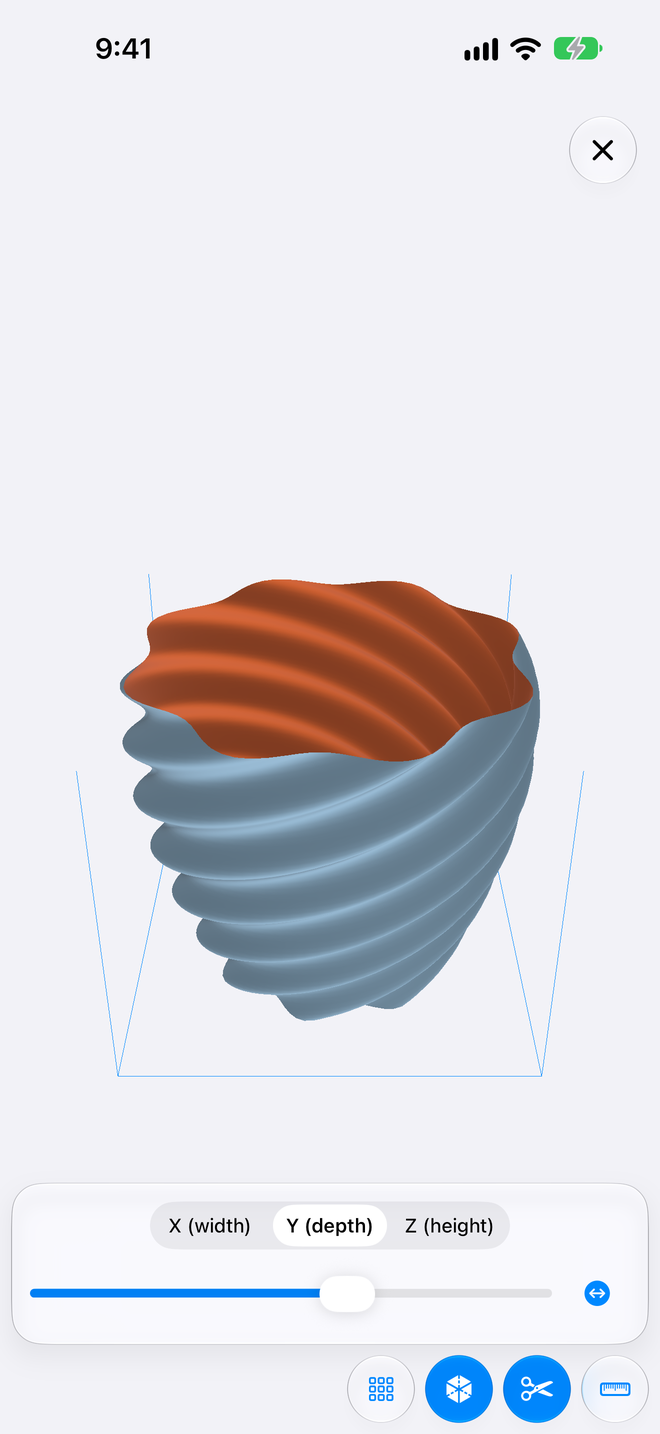
A clipping plane across width, depth or height.
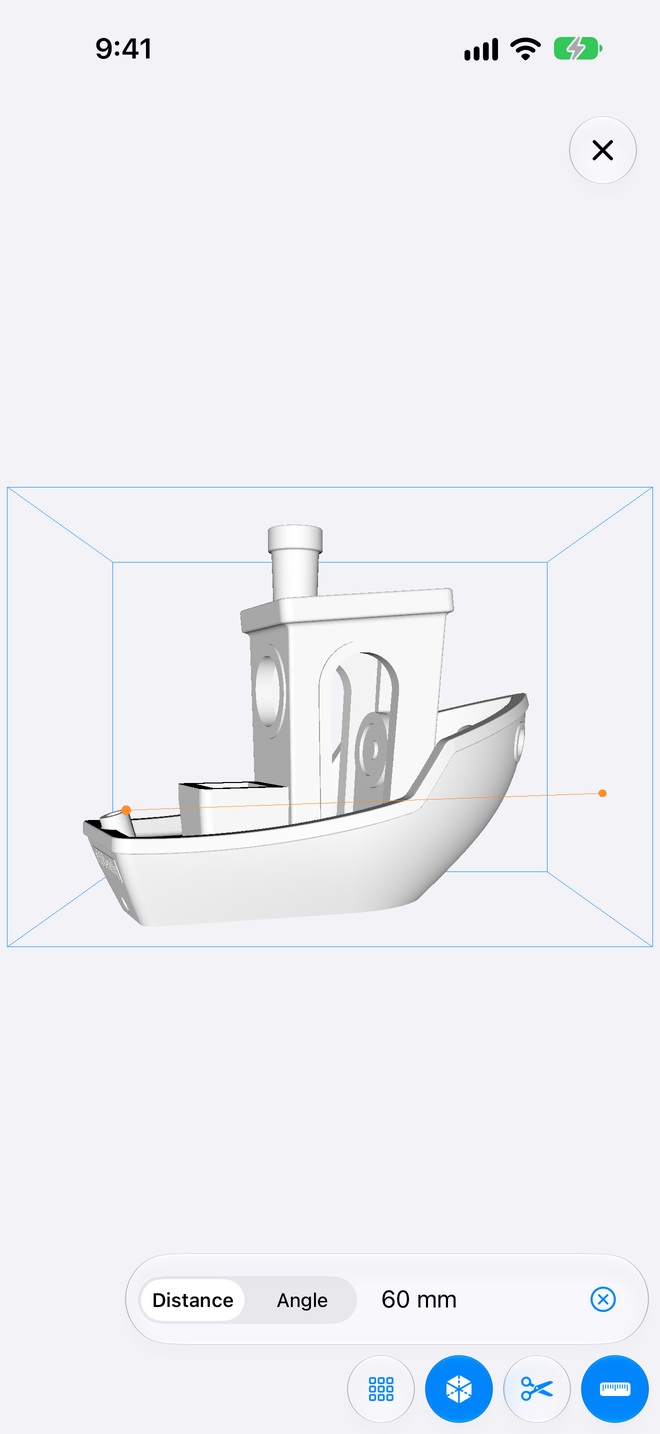
Distances and angles, point to point.
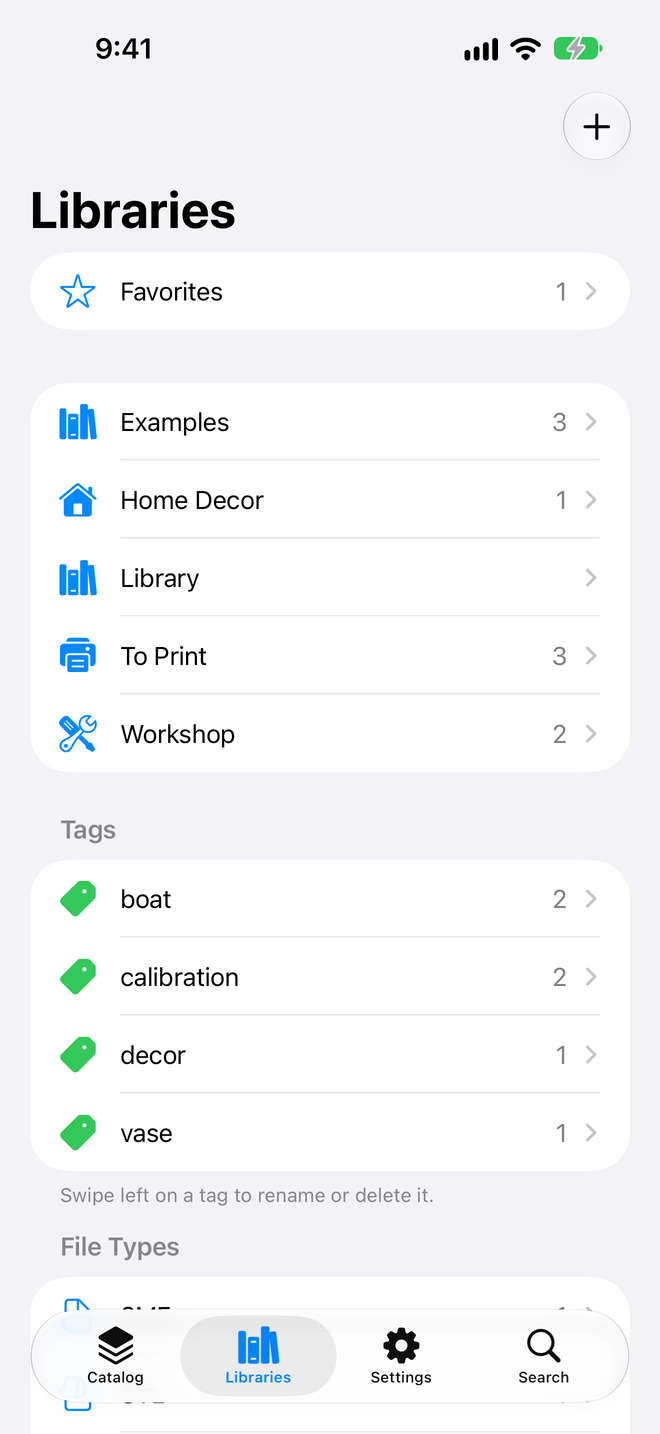
Libraries, tags and favorites at a glance.
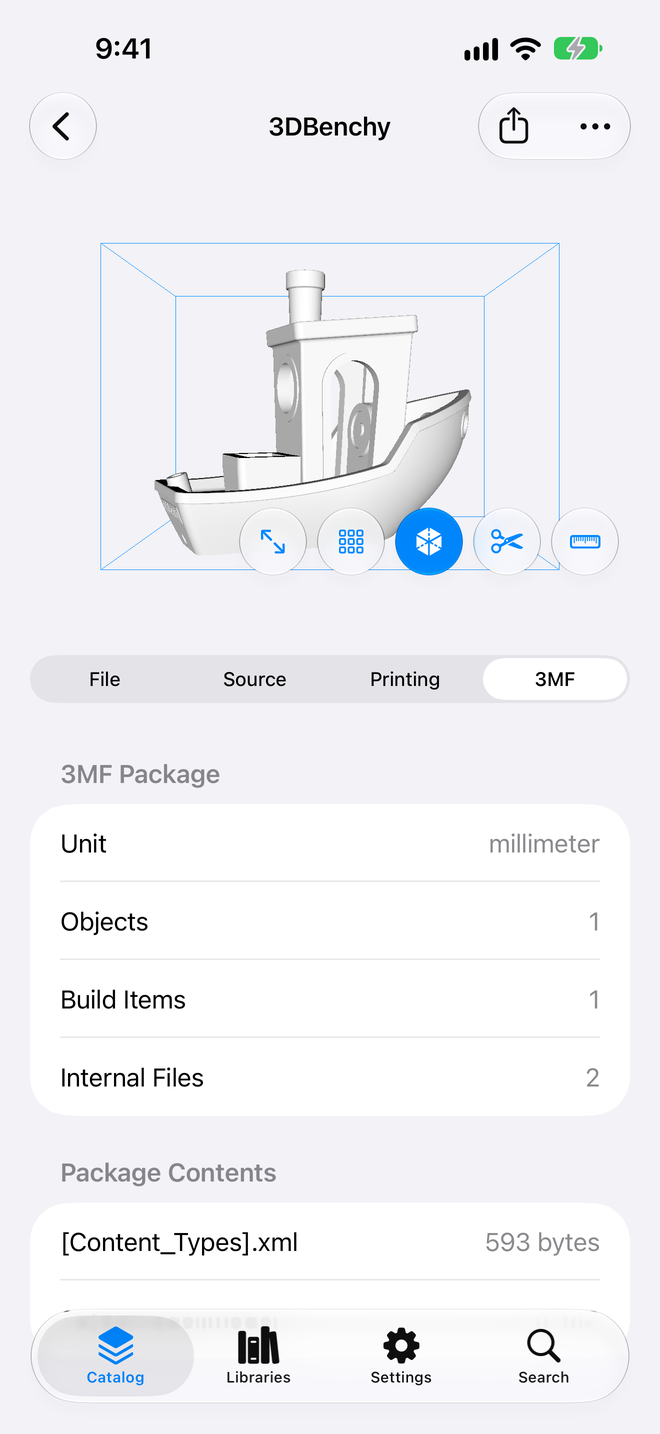
Units, objects and the files within the package.
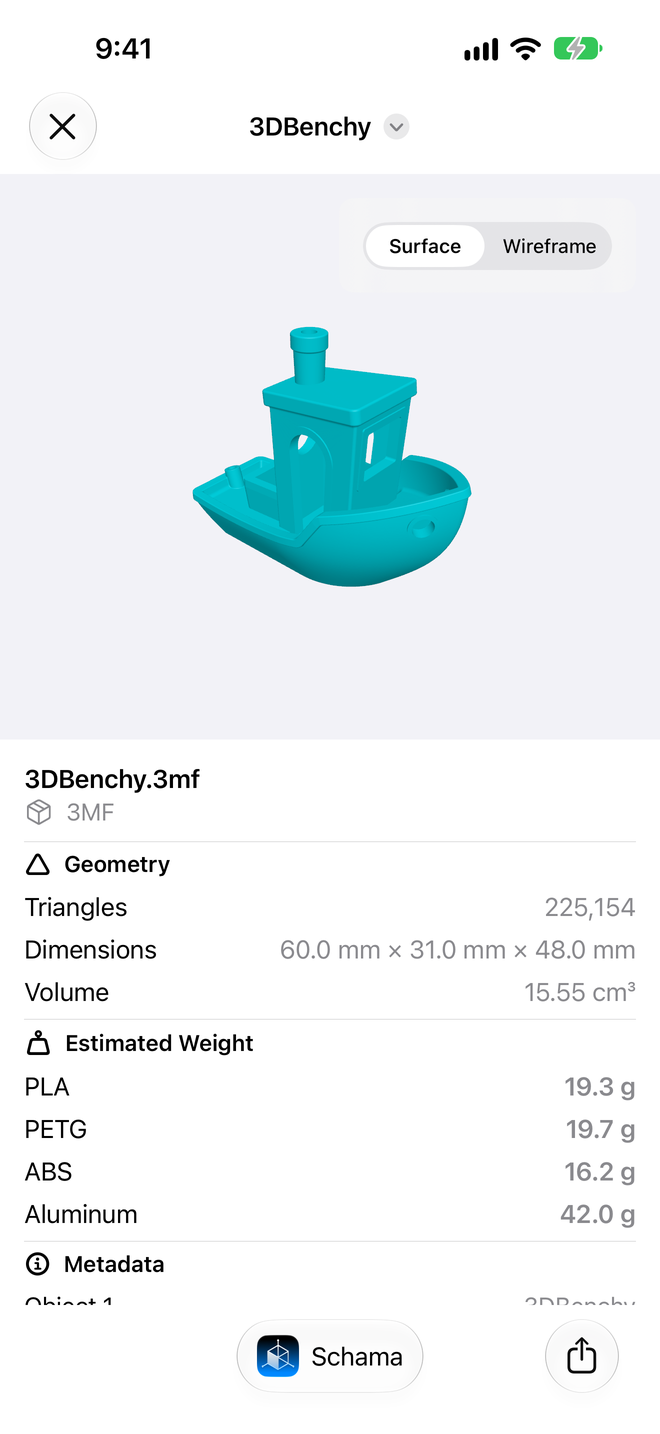
Dimensions, volume and estimated weight, without opening the app.
On iPad
The same screens on iPad, in the language of this page.
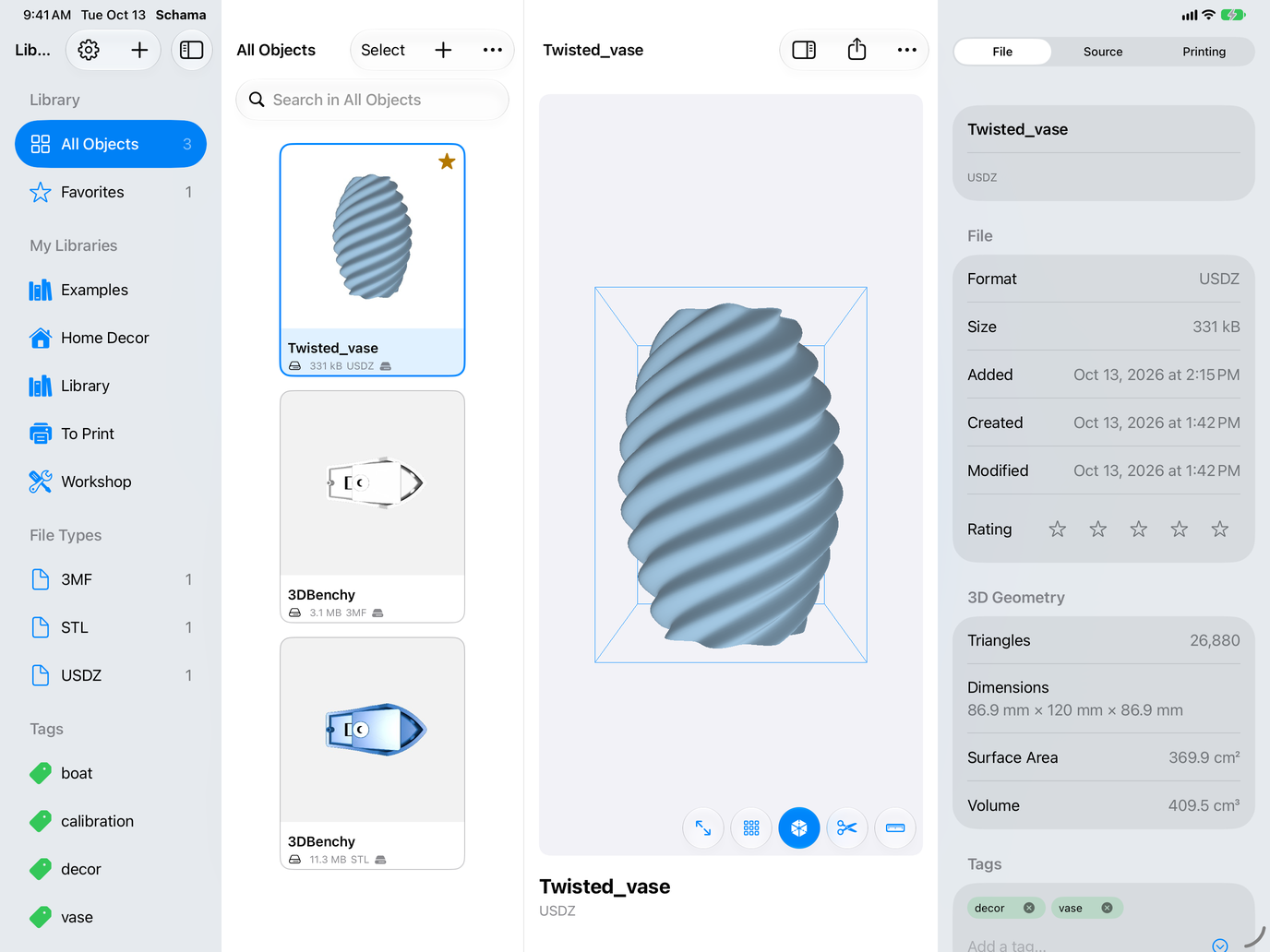
STL, 3MF and USDZ together, with size and format.
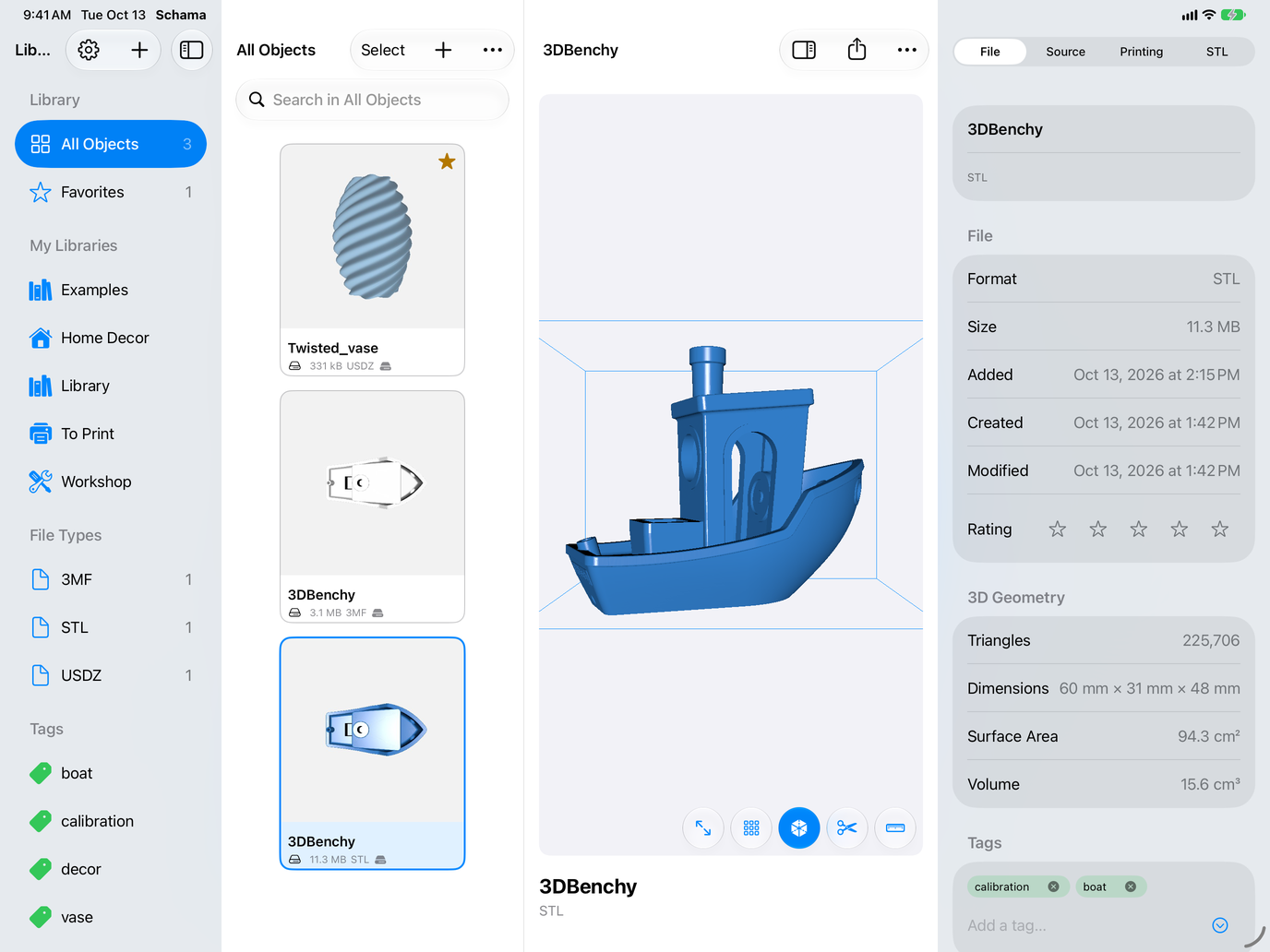
Triangles, dimensions, surface area and volume, read from the file.
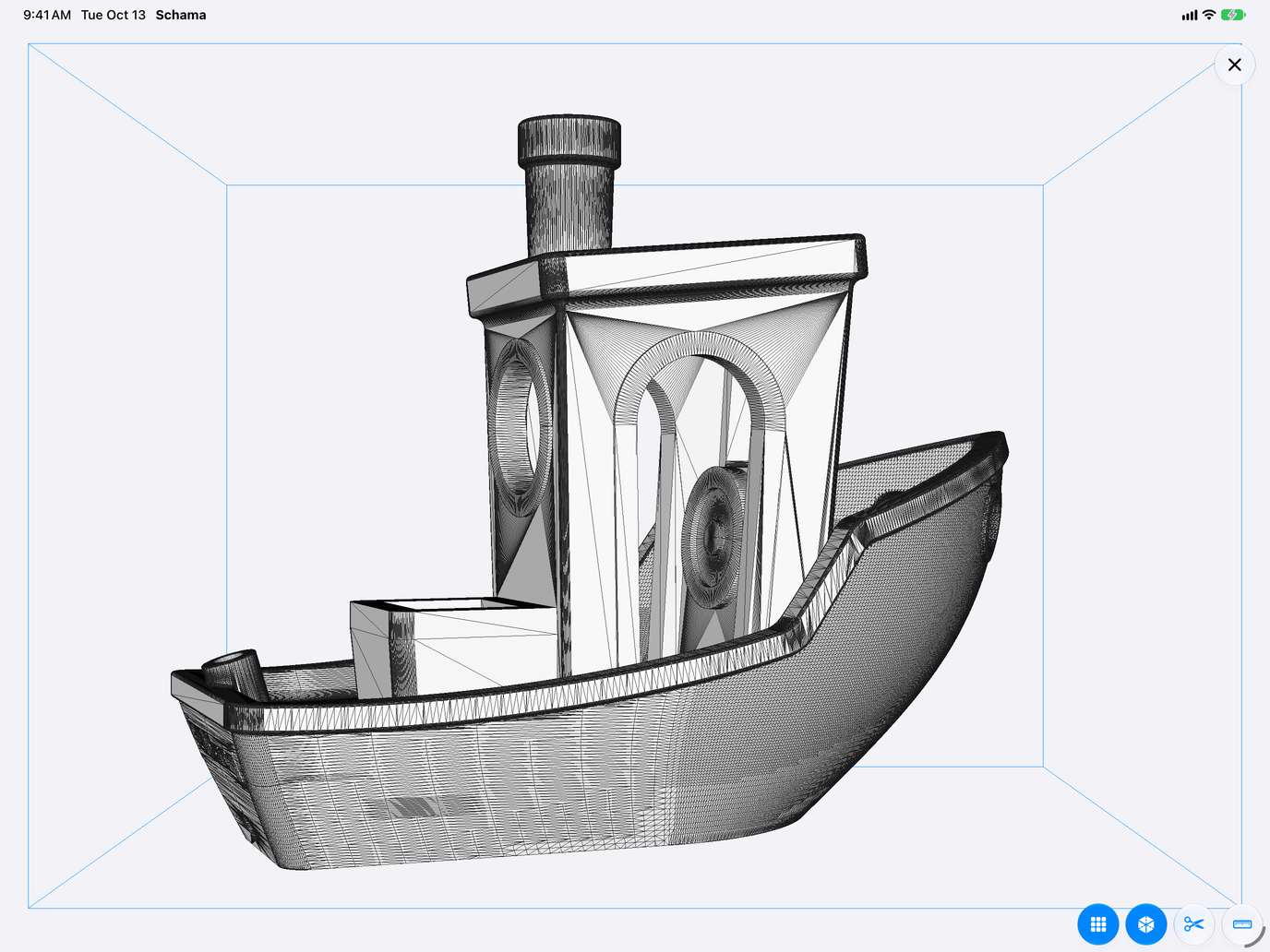
Every triangle of the model, in wireframe.
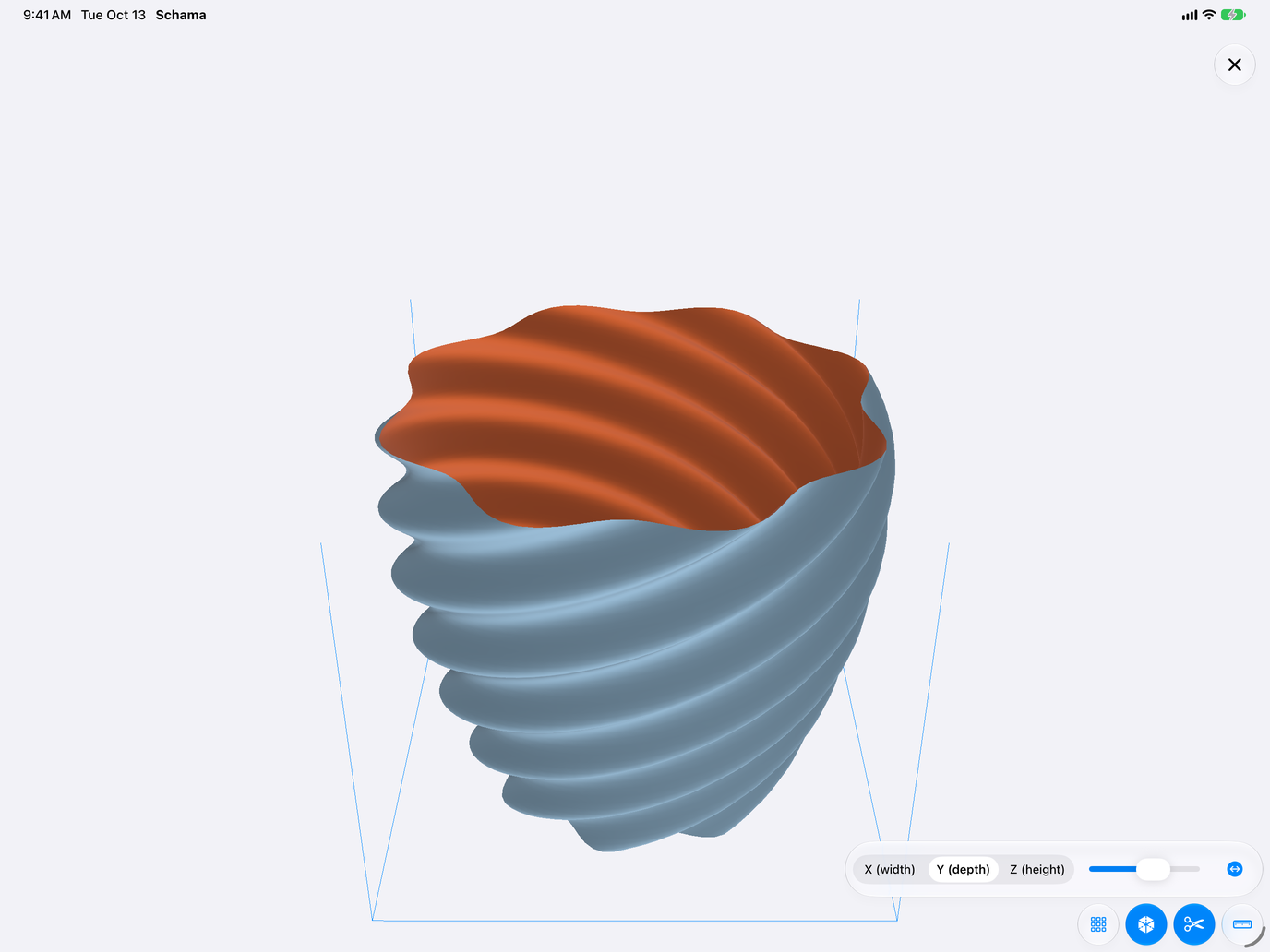
A clipping plane across width, depth or height.
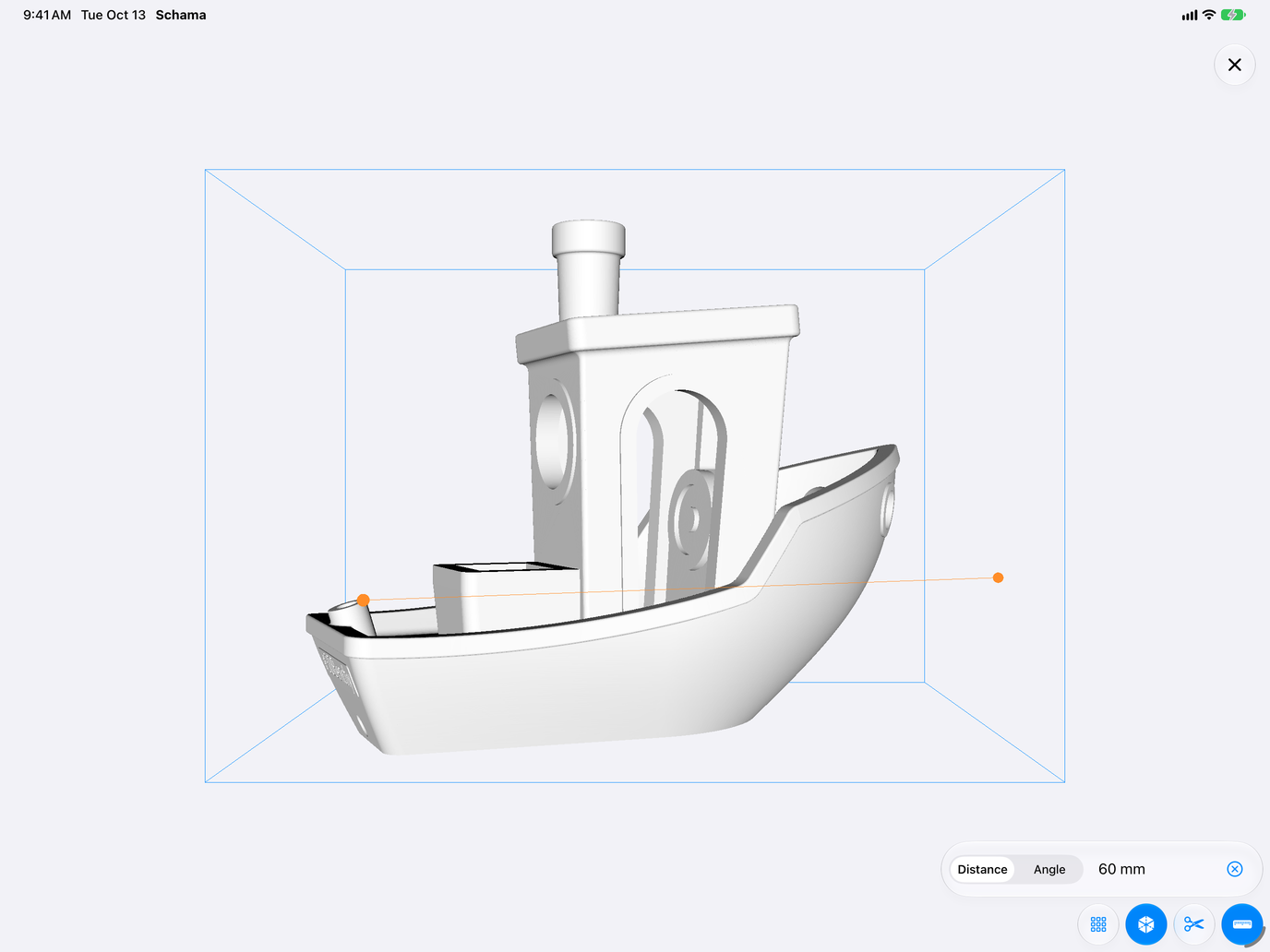
Distances and angles, point to point.
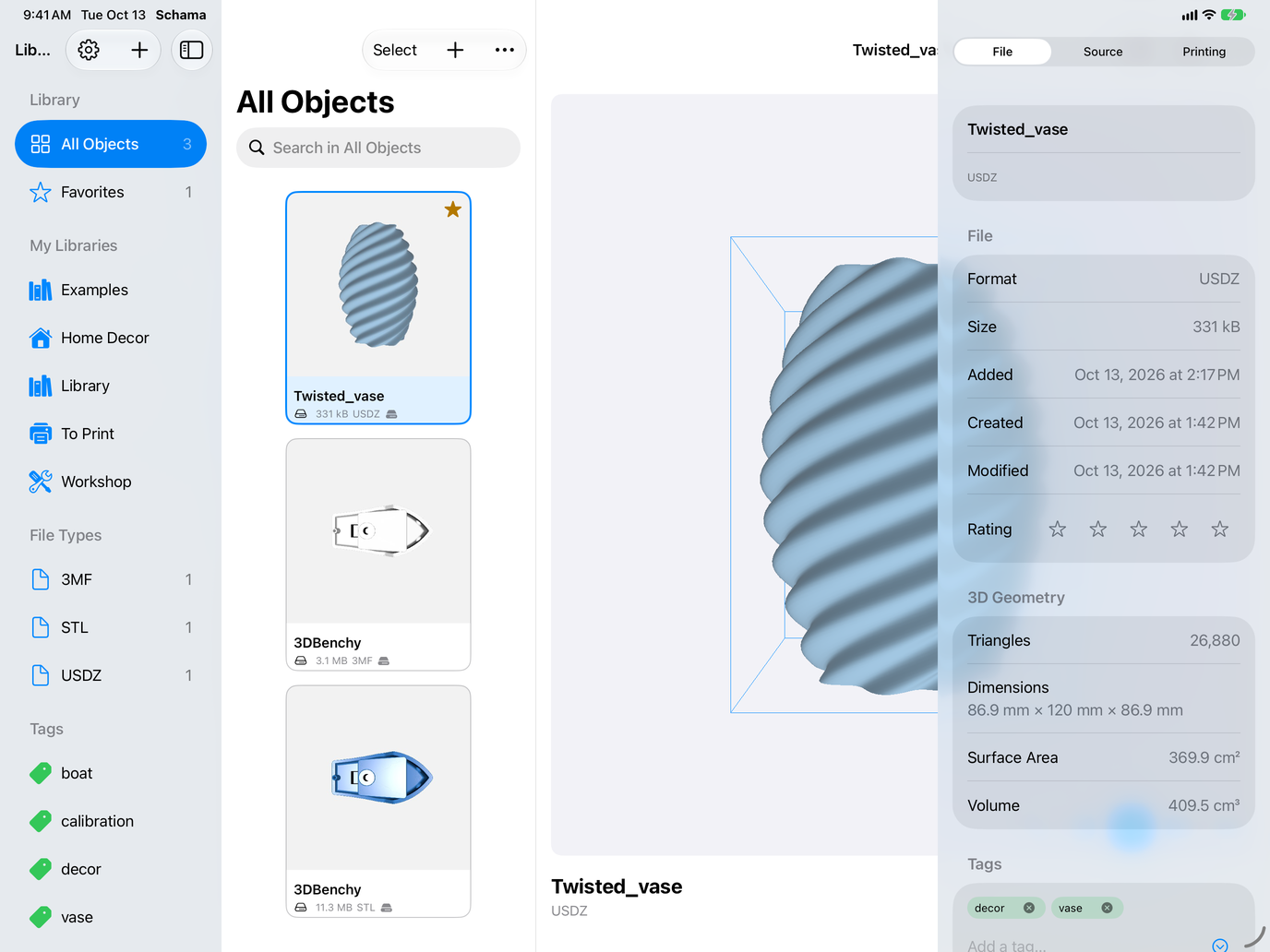
Libraries, tags and favorites at a glance.
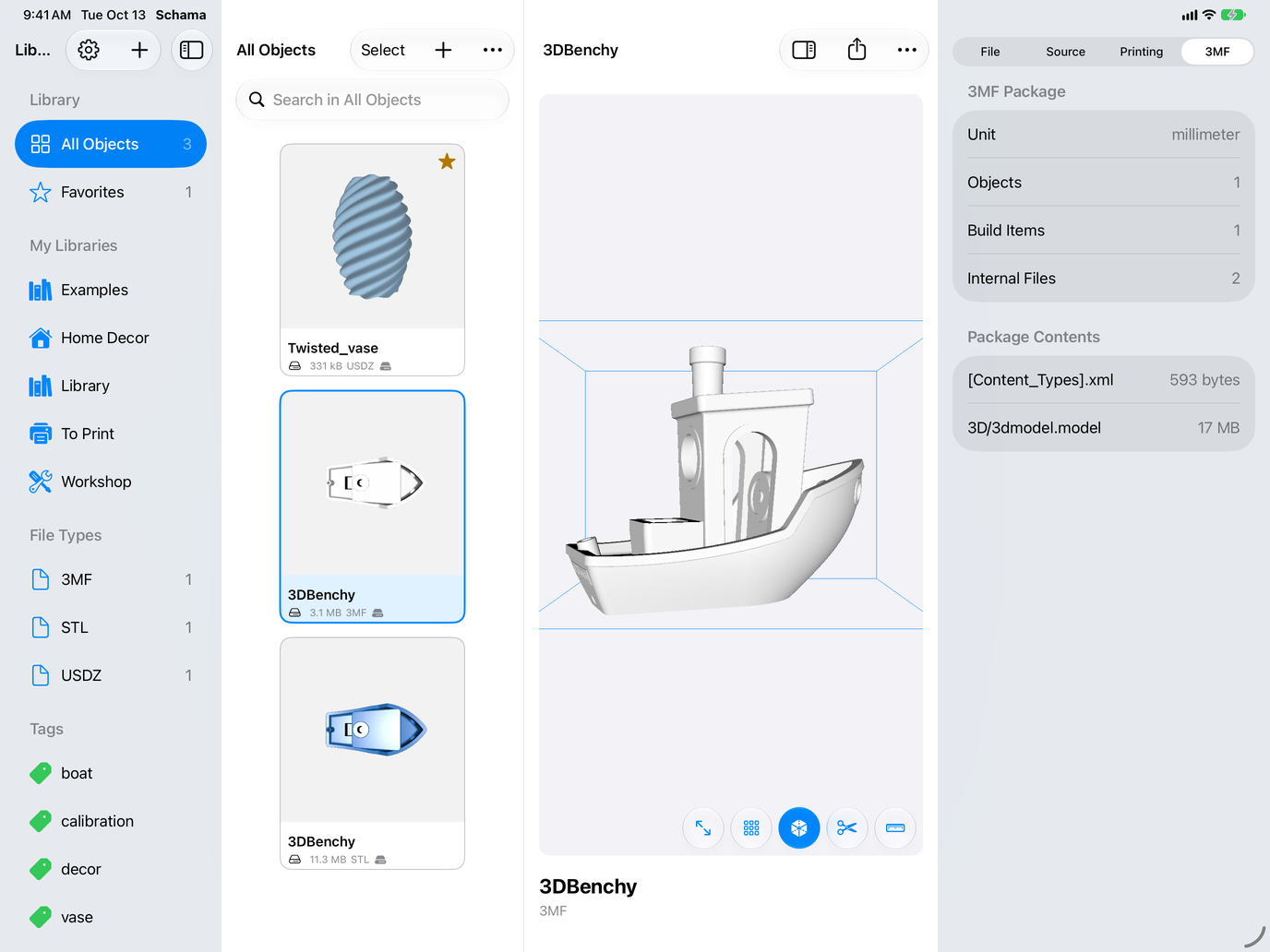
Units, objects and the files within the package.
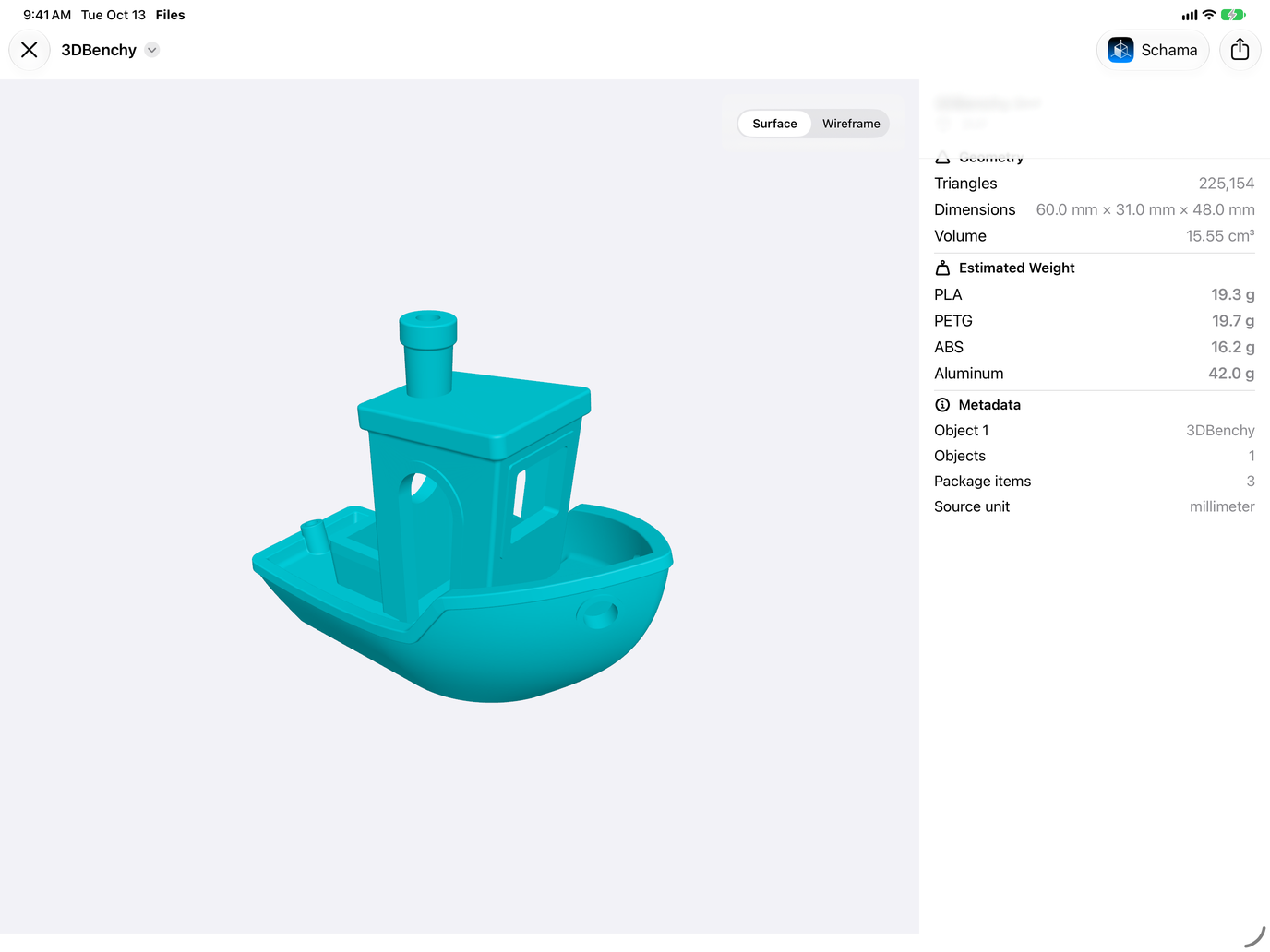
Dimensions, volume and estimated weight, without opening the app.
Siri, Spotlight and Shortcuts
9 Siri commands and 9 actions in the Shortcuts app, on iPhone, iPad and Mac.
Siri commands
Actions in the Shortcuts app
Data and Privacy
Schama uses no ads, tracking tools, or third-party services. The app relies solely on Apple frameworks.
Your 3D files stay at their original location; Schama only keeps a secure reference to them.
Sync your catalog across your devices on the same Apple account, any time, from Settings.
The summary generated for each object uses Apple intelligence directly on your device.
You can export your catalog to JSON or CSV at any time.
Support
For any questions about Schama, please contact us.
support@rapinology.com →