Structured inventory
Keep devices, categories, brands, manufacturers, vendors, buyers, prices, serial numbers and documents in consistent records.
Native application for Mac, iPhone and iPad
Bring purchases, invoices, contracts, warranties and support contacts together. Durabilis turns scattered information into a clear, dependable inventory that is ready when you need it.

Cleaner iCloud sync. • Duplicates merged right away: when iCloud brings the brands, categories, sellers, manufacturers or tags entered on another iPhone, iPad or Mac, the ones you already have are combined as soon as the data arrives, not at the next launch. Your devices stay linked to the right entry. • A copy first: if you have chosen where to keep your backups, Durabilis saves one just before each merge.

Cleaner iCloud sync. • Duplicates merged right away: when iCloud brings the brands, categories, sellers, manufacturers or tags entered on another iPhone, iPad or Mac, the ones you already have are combined as soon as the data arrives, not at the next launch. Your devices stay linked to the right entry. • A copy first: if you have chosen where to keep your backups, Durabilis saves one just before each merge.
The project
A warranty is useful only when you can find it in time. Durabilis keeps each device’s essential information — purchase, serial number, vendor, manufacturer, coverage and documents — in one durable, structured record.
Its purpose is straightforward: reduce friction when something fails, surface deadlines before they become urgent, and provide a reliable overview of personal or professional equipment.
Features
Keep devices, categories, brands, manufacturers, vendors, buyers, prices, serial numbers and documents in consistent records.
Track multiple warranties per device, their extensions, contracts, responsible providers and next renewal dates.
Import invoices and contracts as PDF or image files. Local recognition suggests dates, amounts, vendors, serials and warranty durations.
Find devices with Spotlight and use Calendar, notifications, Siri and Shortcuts according to your preferences.
Application preview
Screenshots taken on iPhone, in the language of this page.
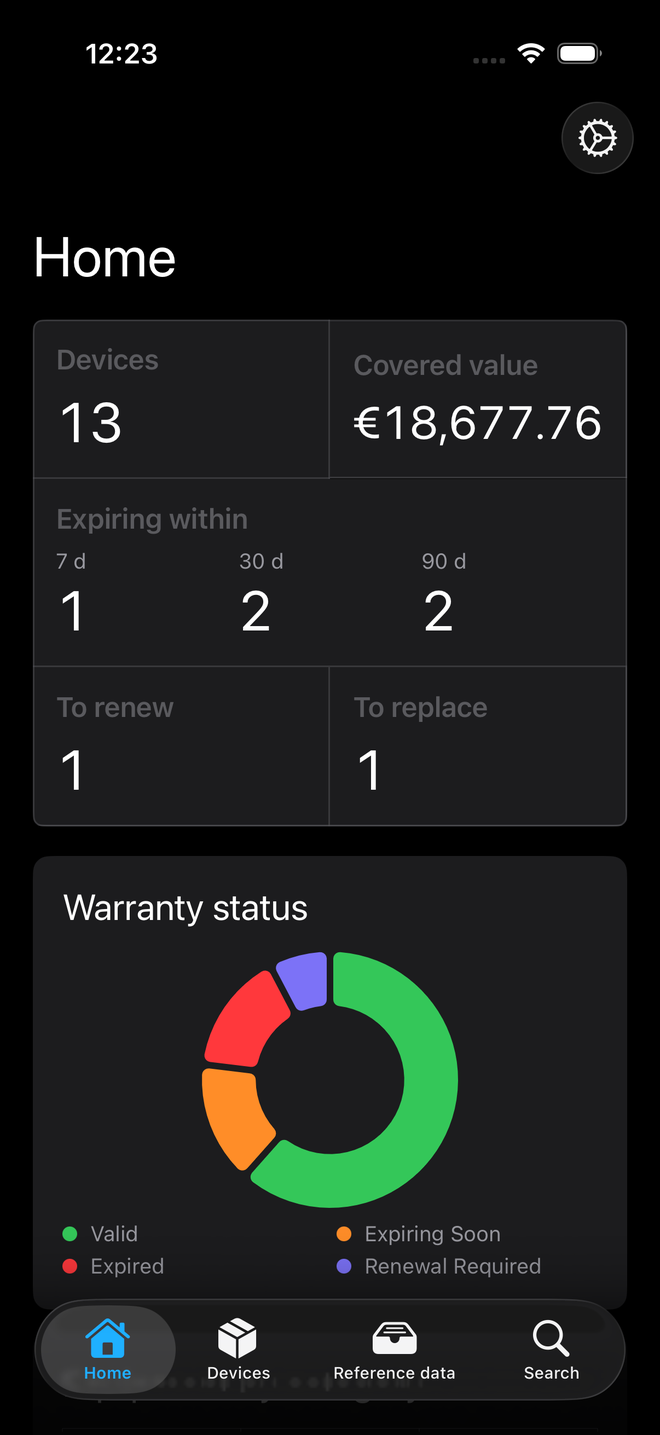
How many devices, the value covered, what expires within 7, 30 and 90 days, and the state of your warranties.
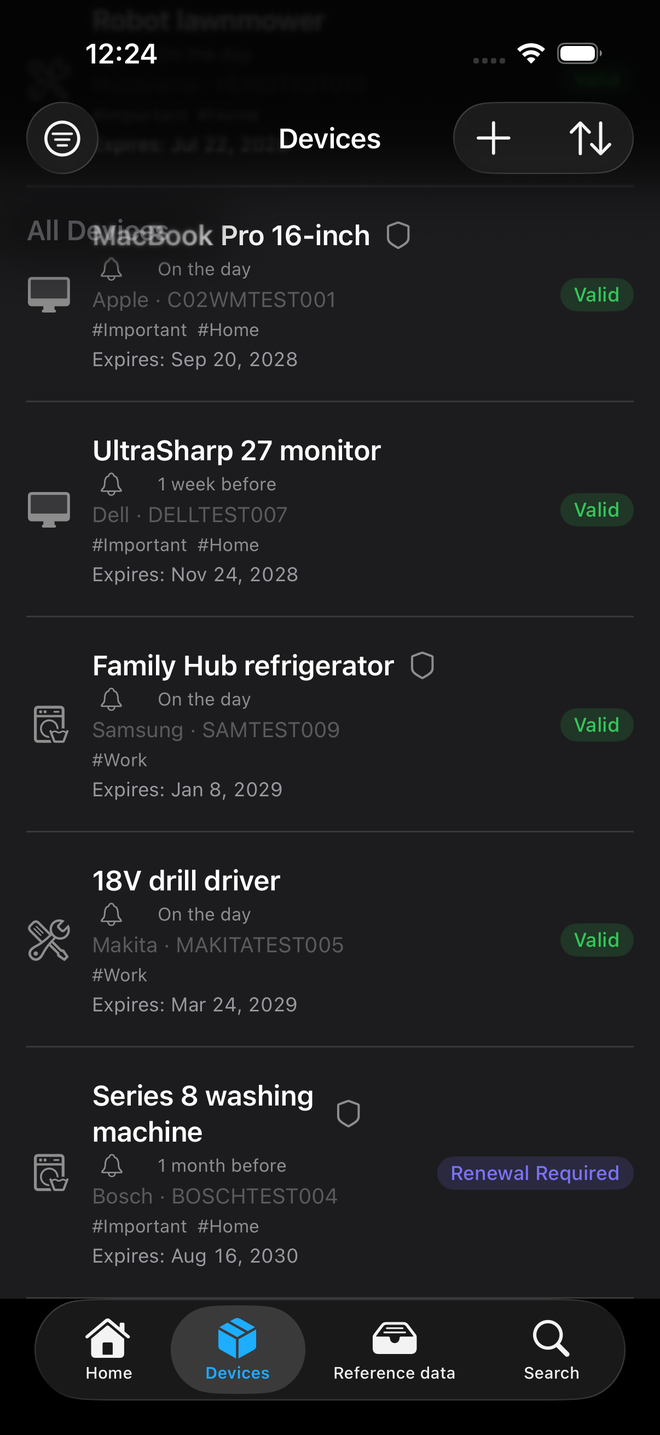
The device list, with brand, serial number, tags, expiry date and warranty status.
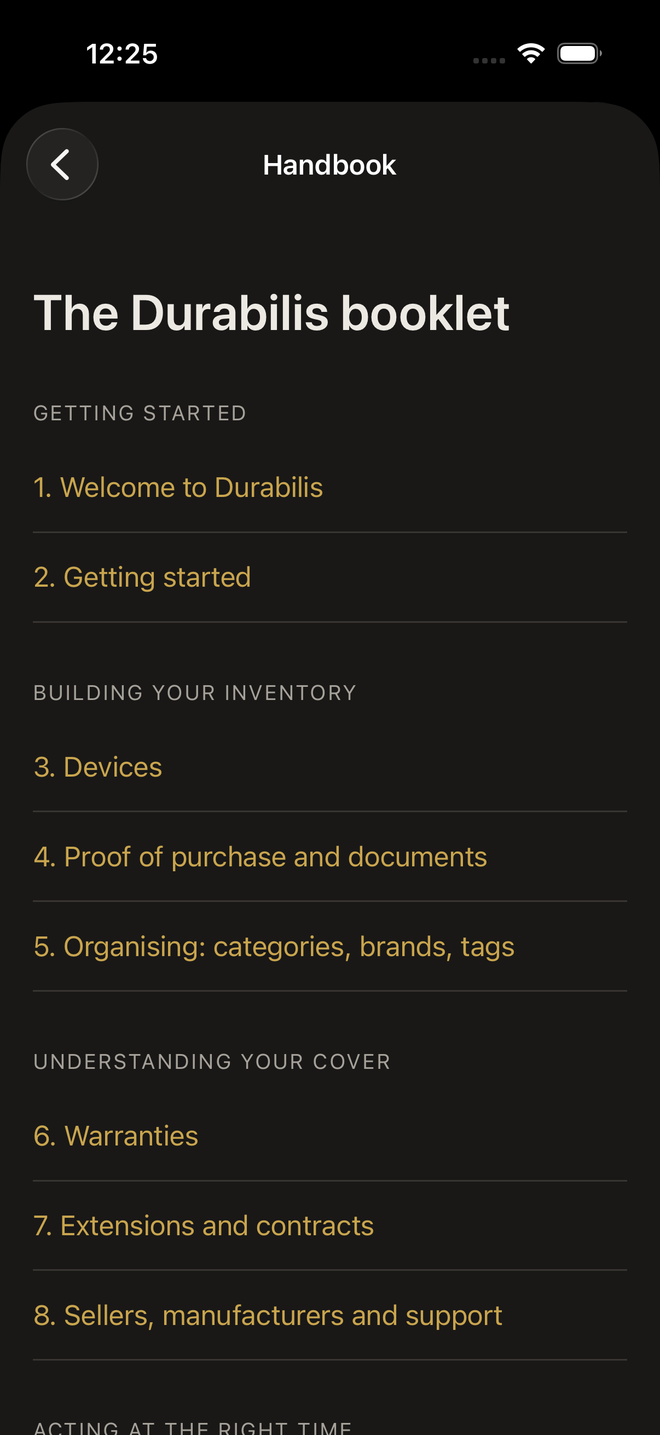
The Durabilis handbook explains the app chapter by chapter, from getting started to warranties and contracts.
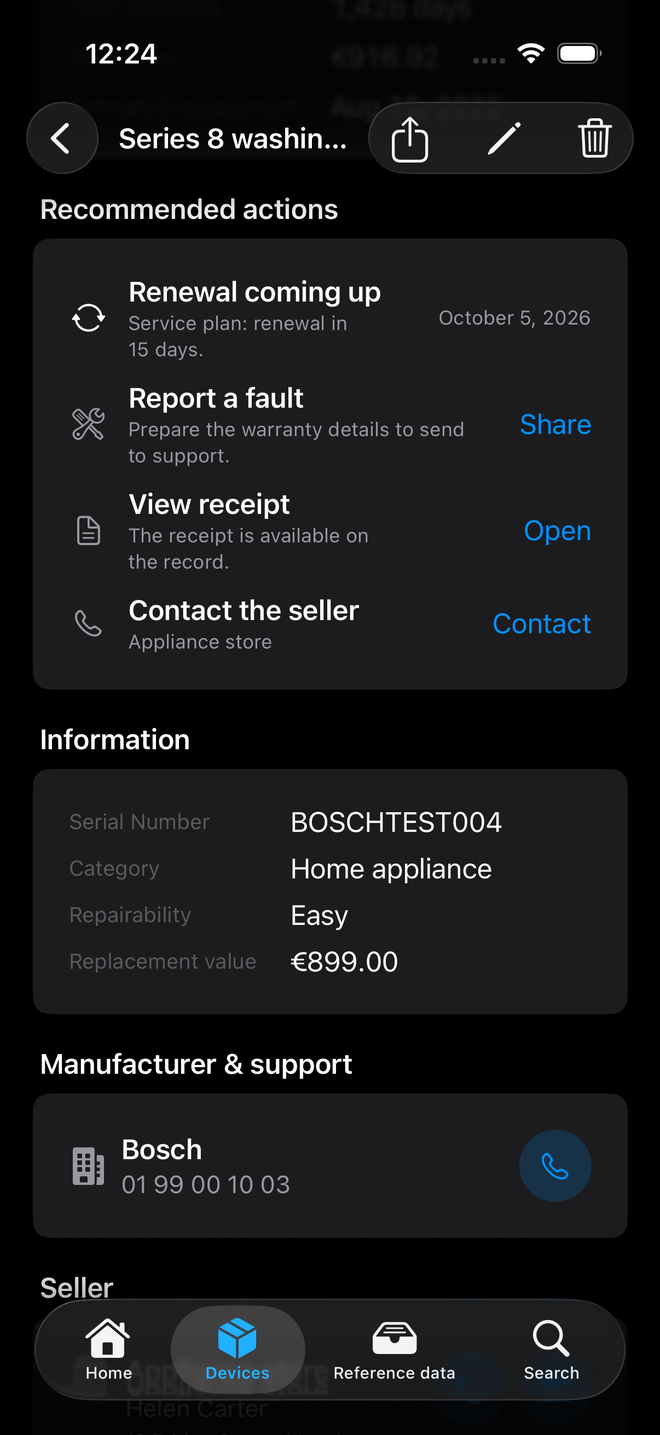
The washing machine’s record flags the upcoming renewal of its service plan, with the useful actions next to it.
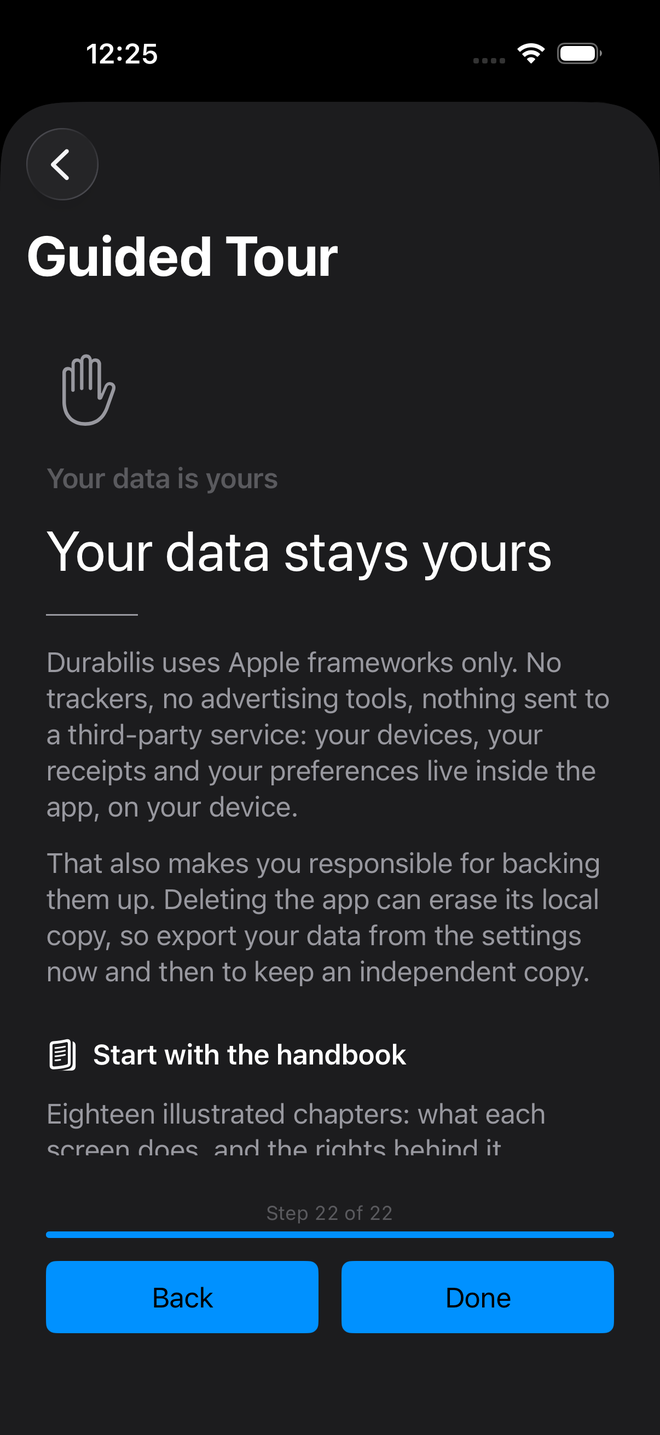
The guided tour says it plainly: no trackers, no advertising tools, nothing sent to a third-party service.
On iPad
Five screens on iPad, in the language of this page.
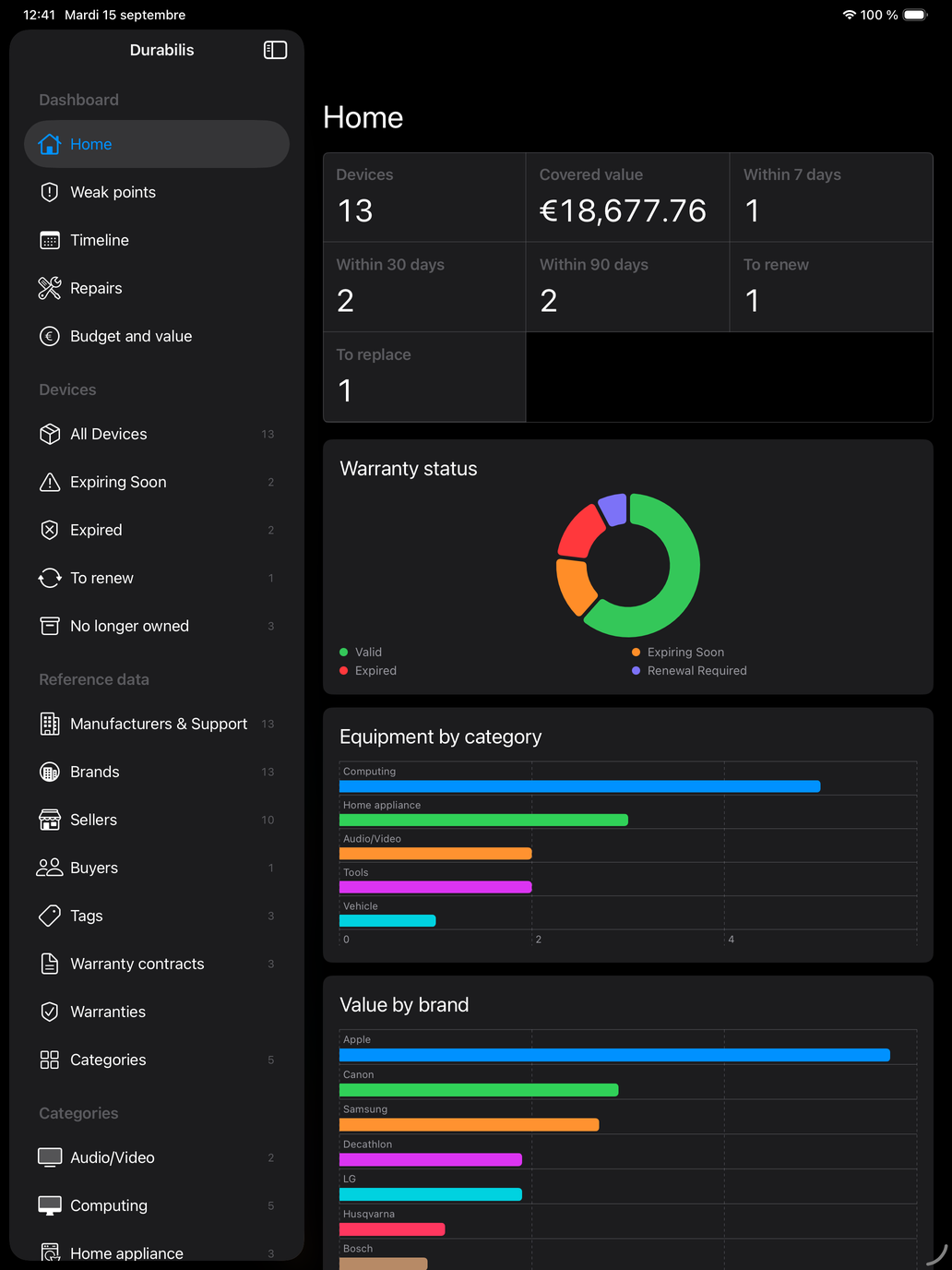
Key figures, warranty status, devices by category and value by brand, next to the sidebar.
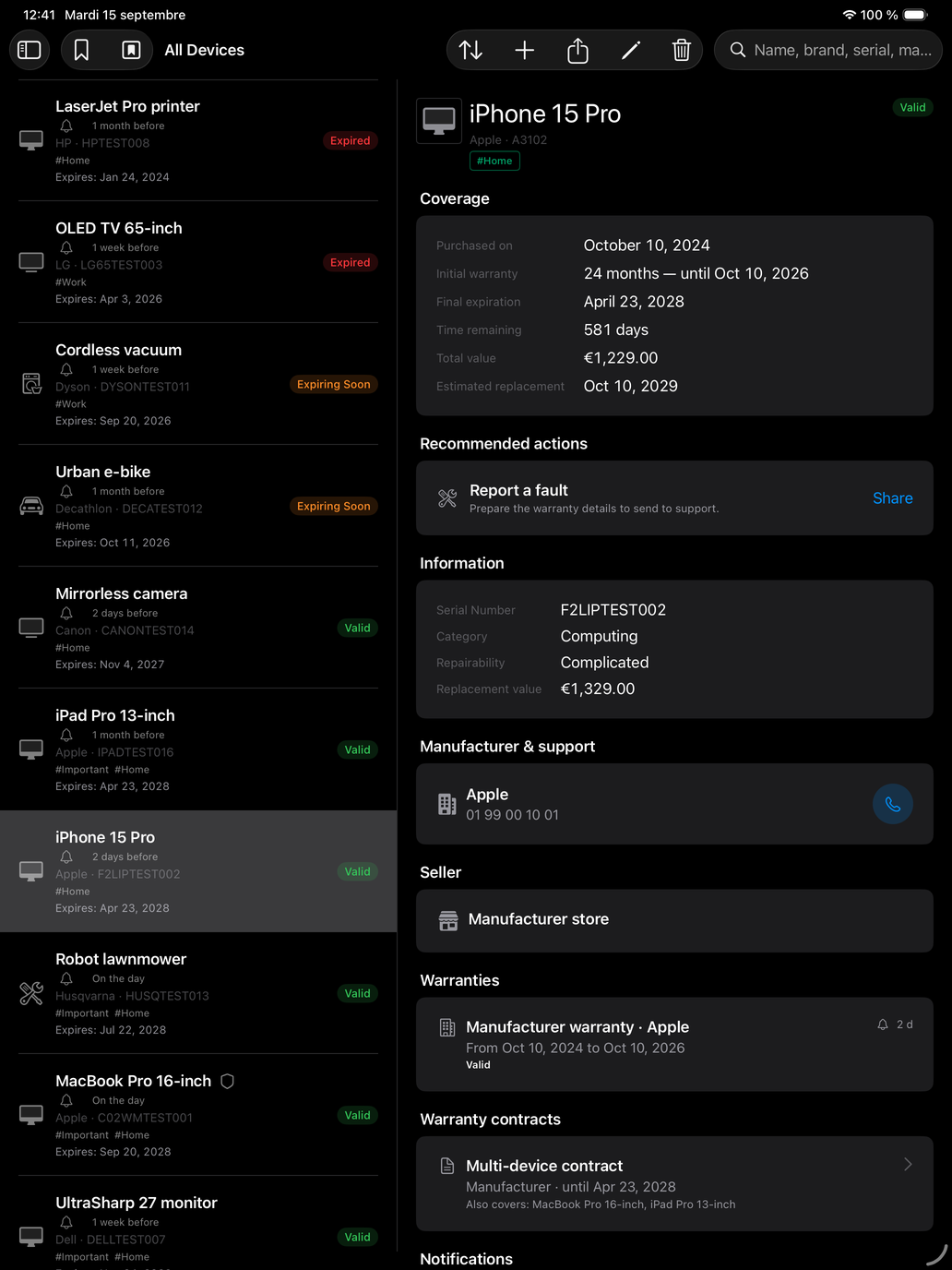
The device list on the left, the selected device’s record on the right: coverage, actions, manufacturer and support.
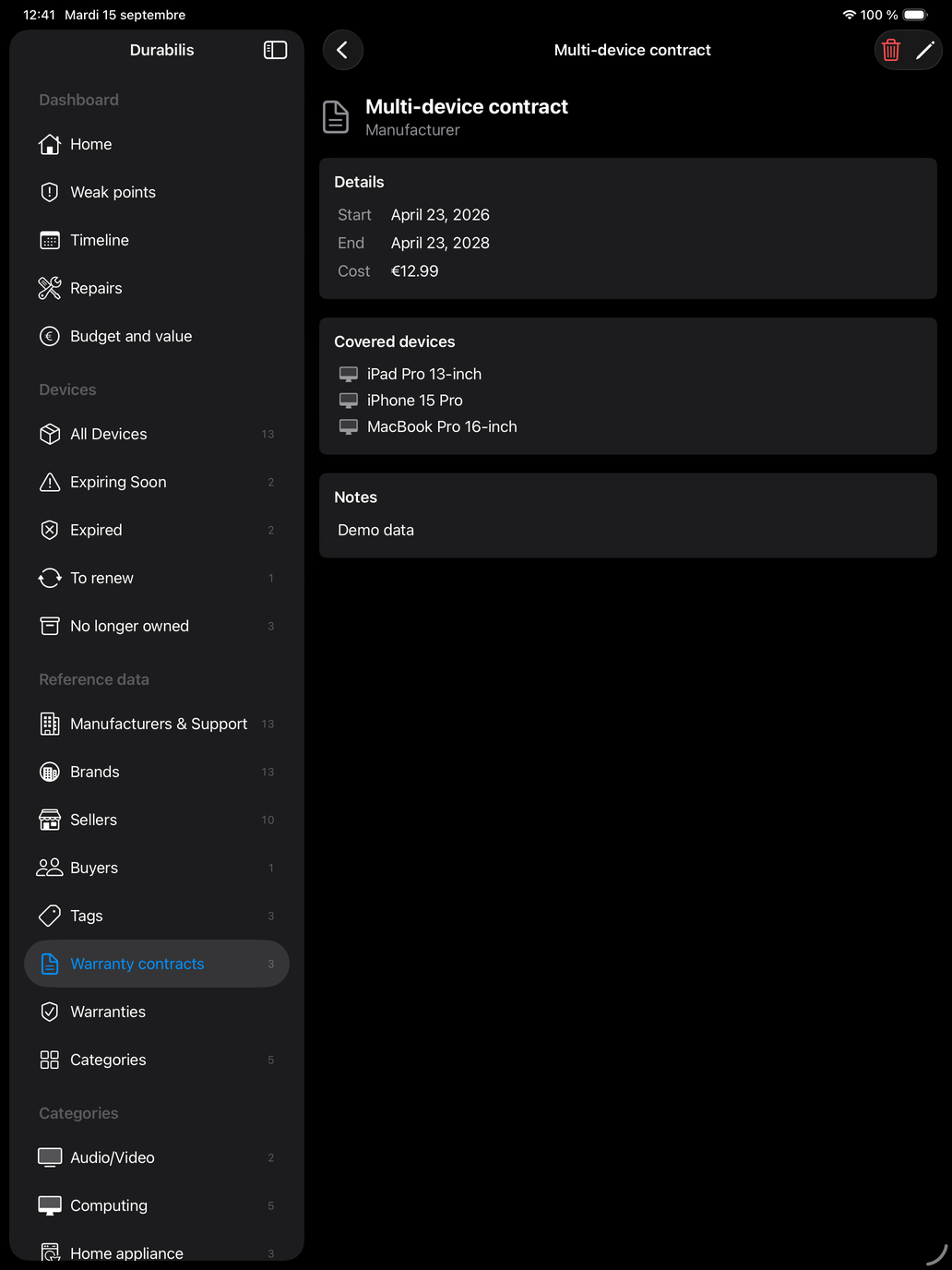
The multi-device contract, its dates, its cost and the devices it covers.
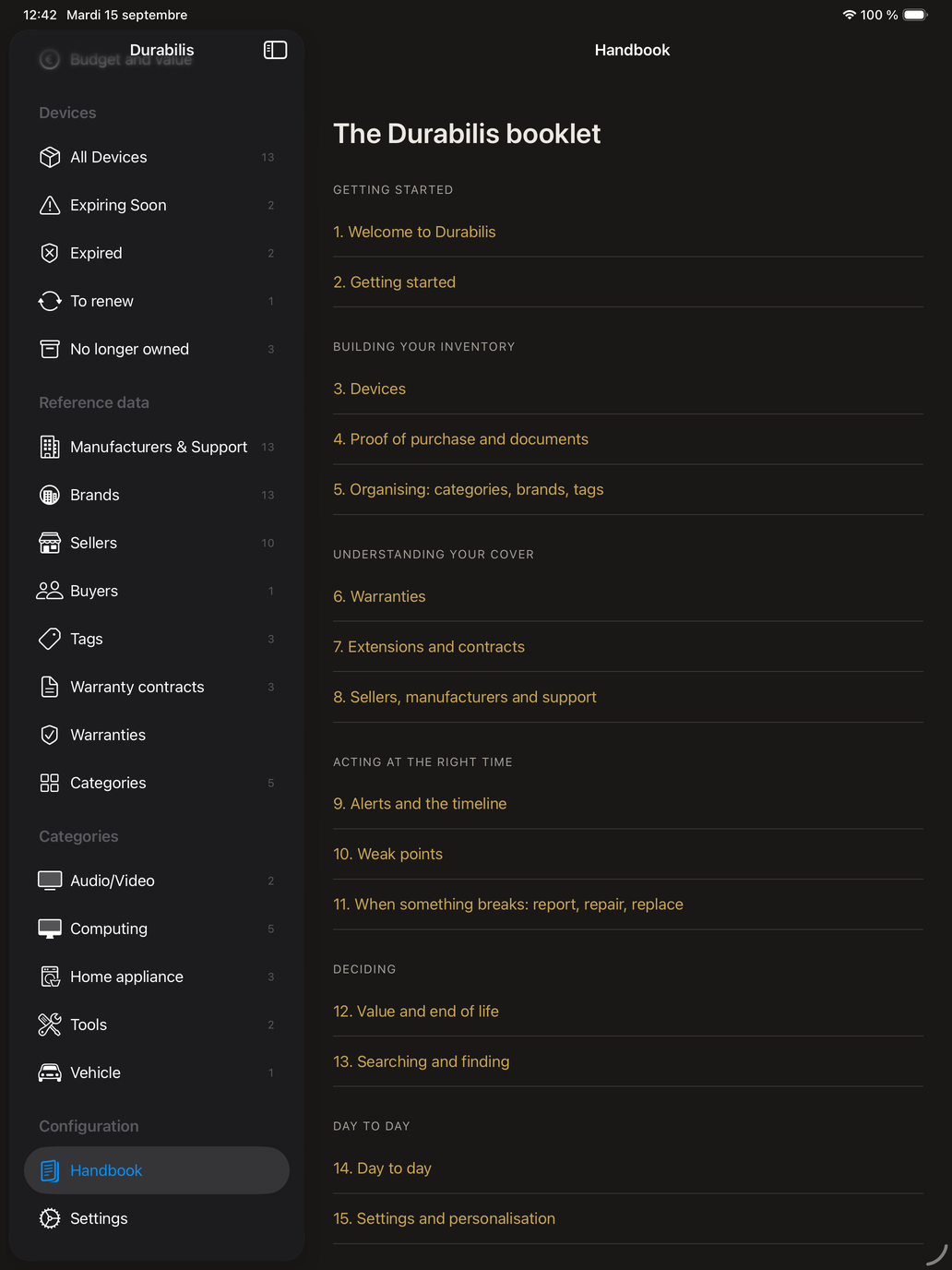
The handbook’s contents open from the sidebar, with no connection needed.
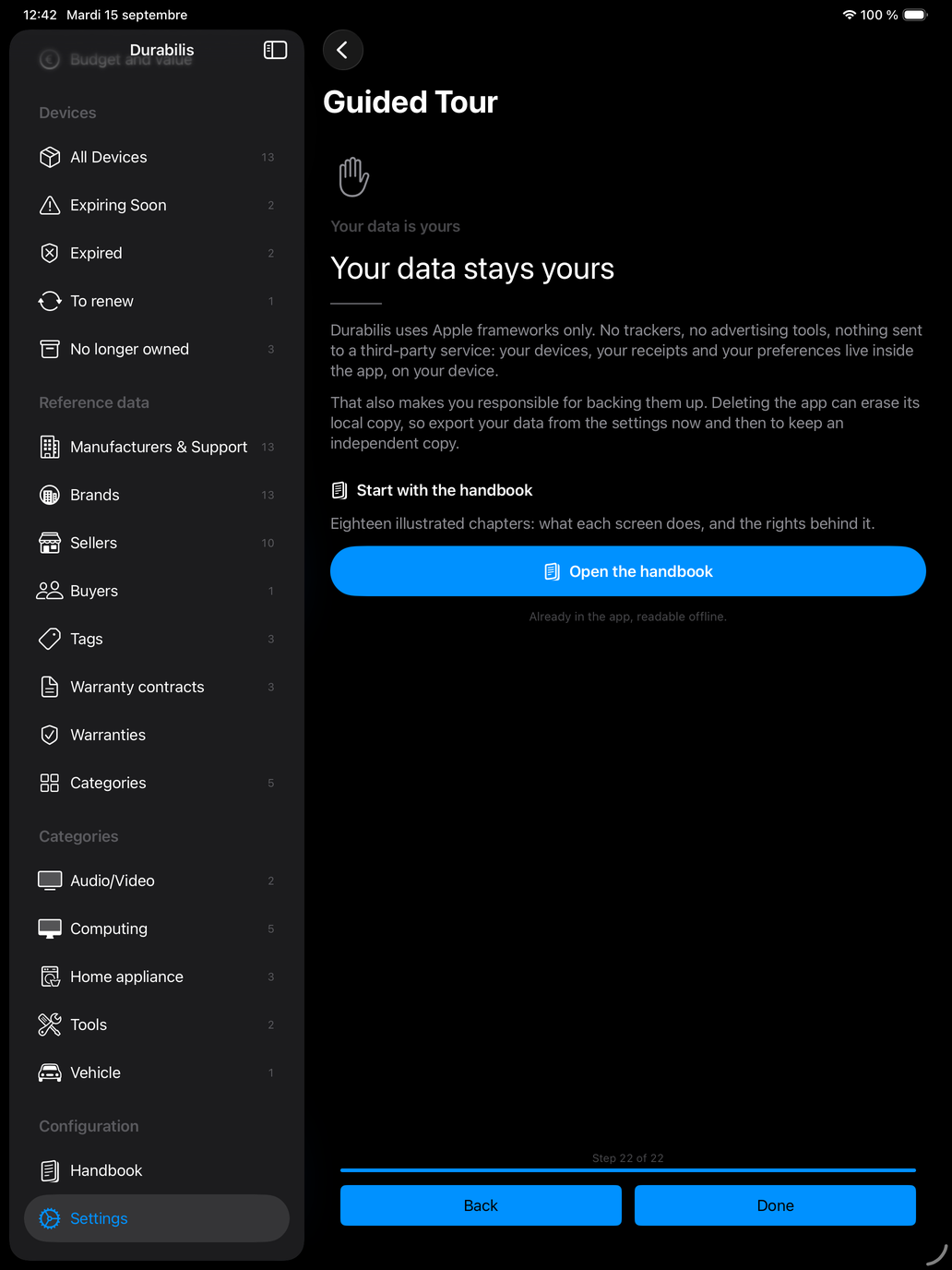
The guided tour explains where your data lives, and opens the handbook in one tap.
On Mac
Five Mac screens, in the language of this page.
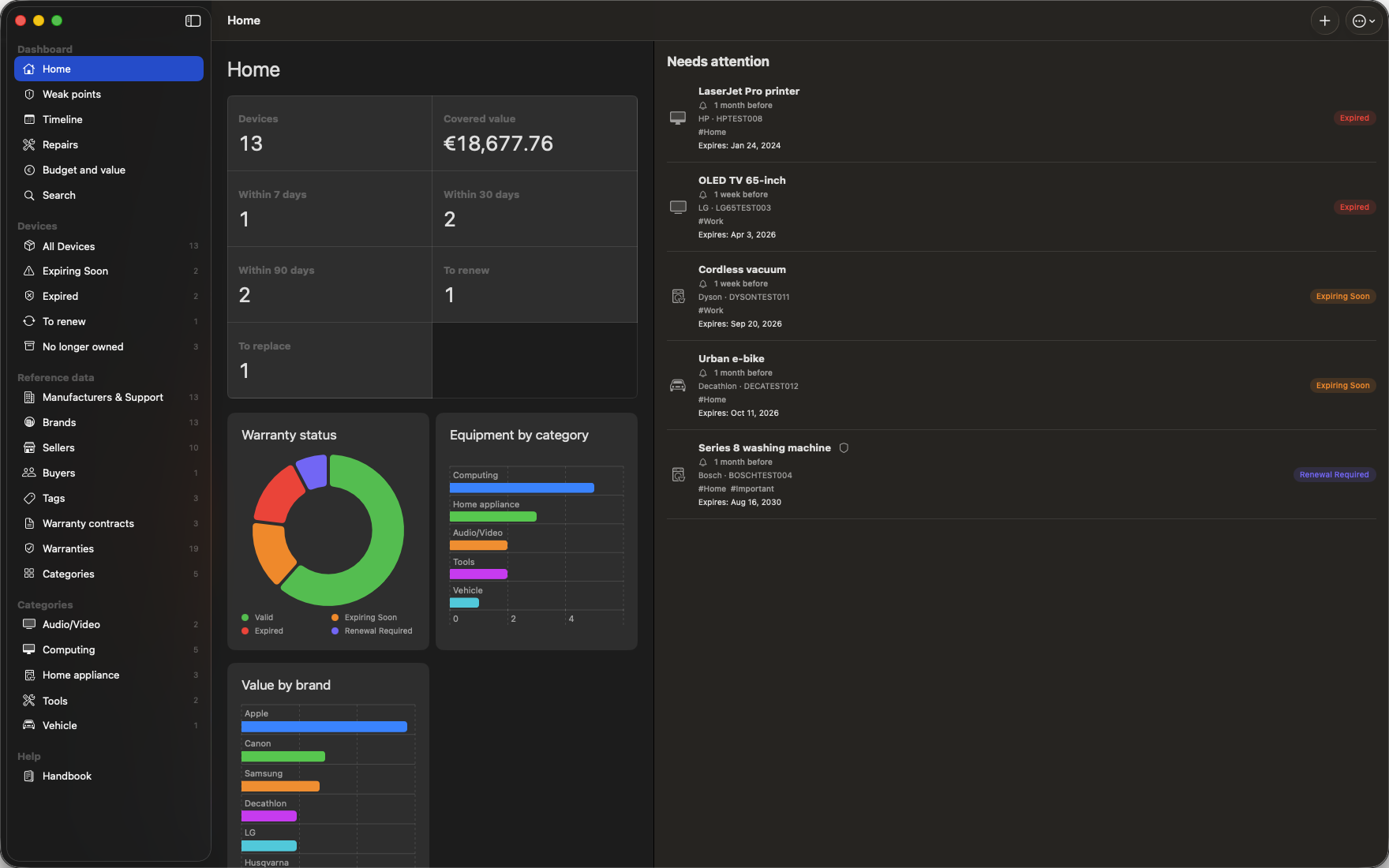
Key figures, warranty status and items needing attention, together in one window.
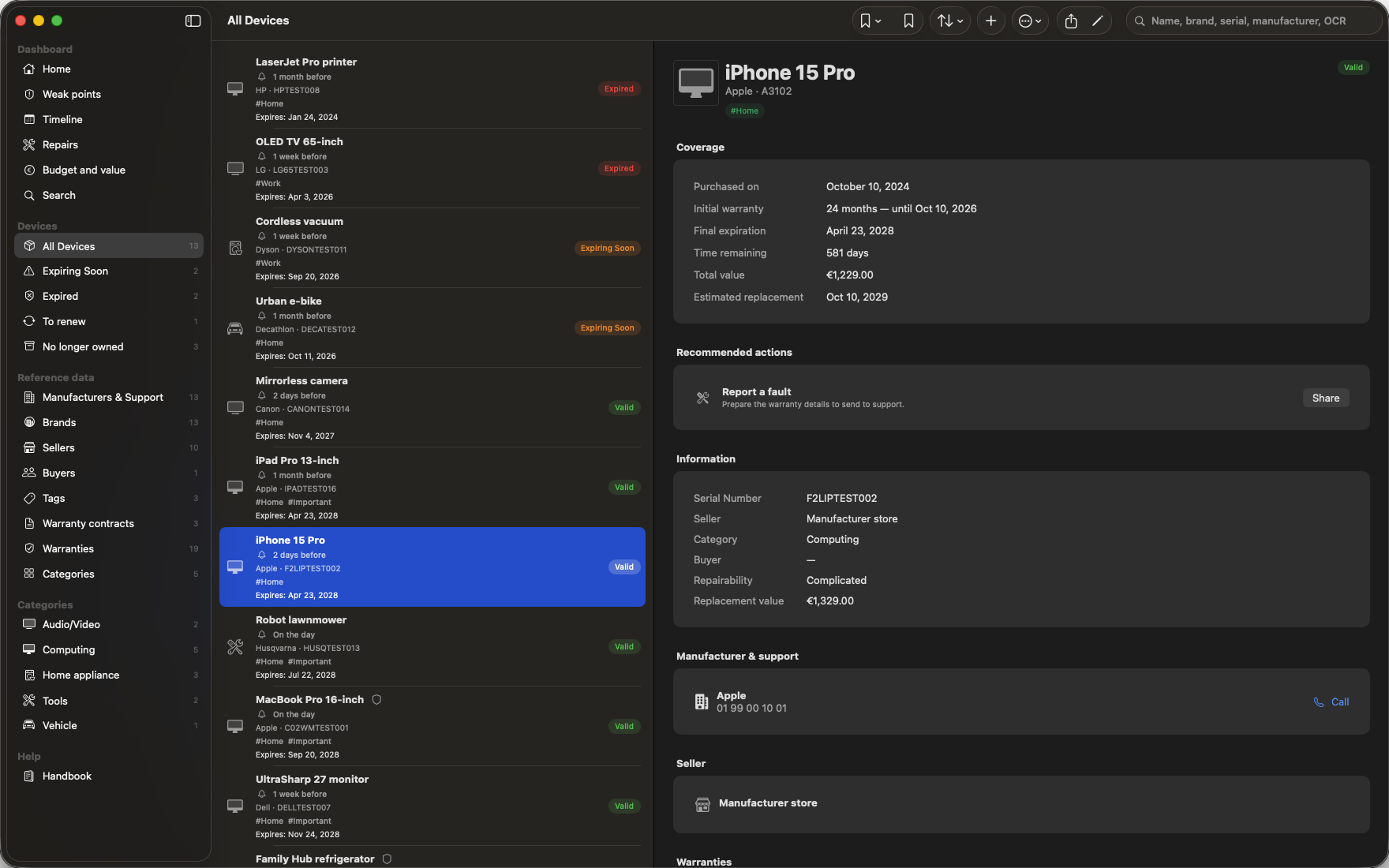
Sidebar, device list and the selected device’s record, side by side.
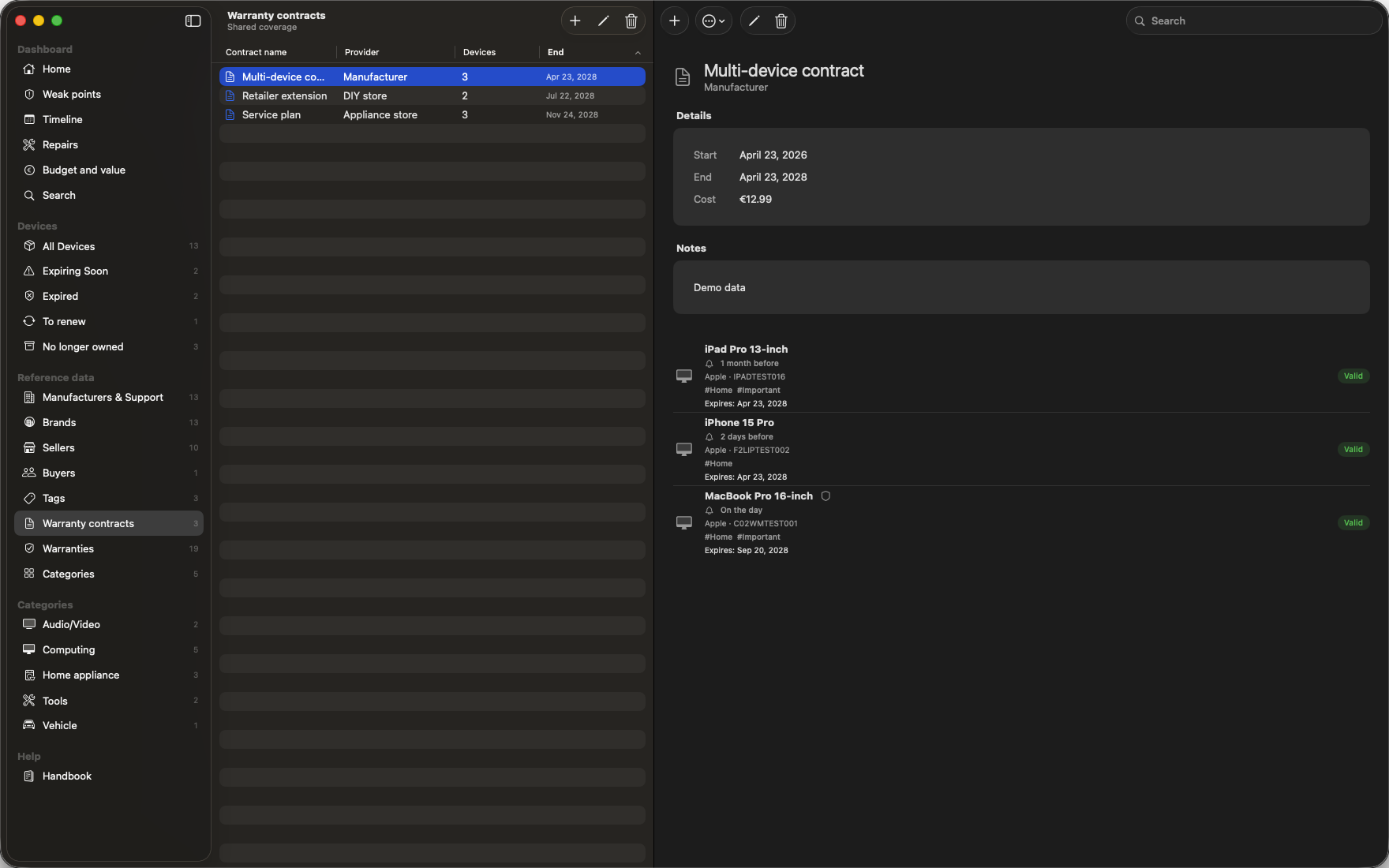
The list of warranty contracts and the multi-device contract in detail, with the devices it covers.
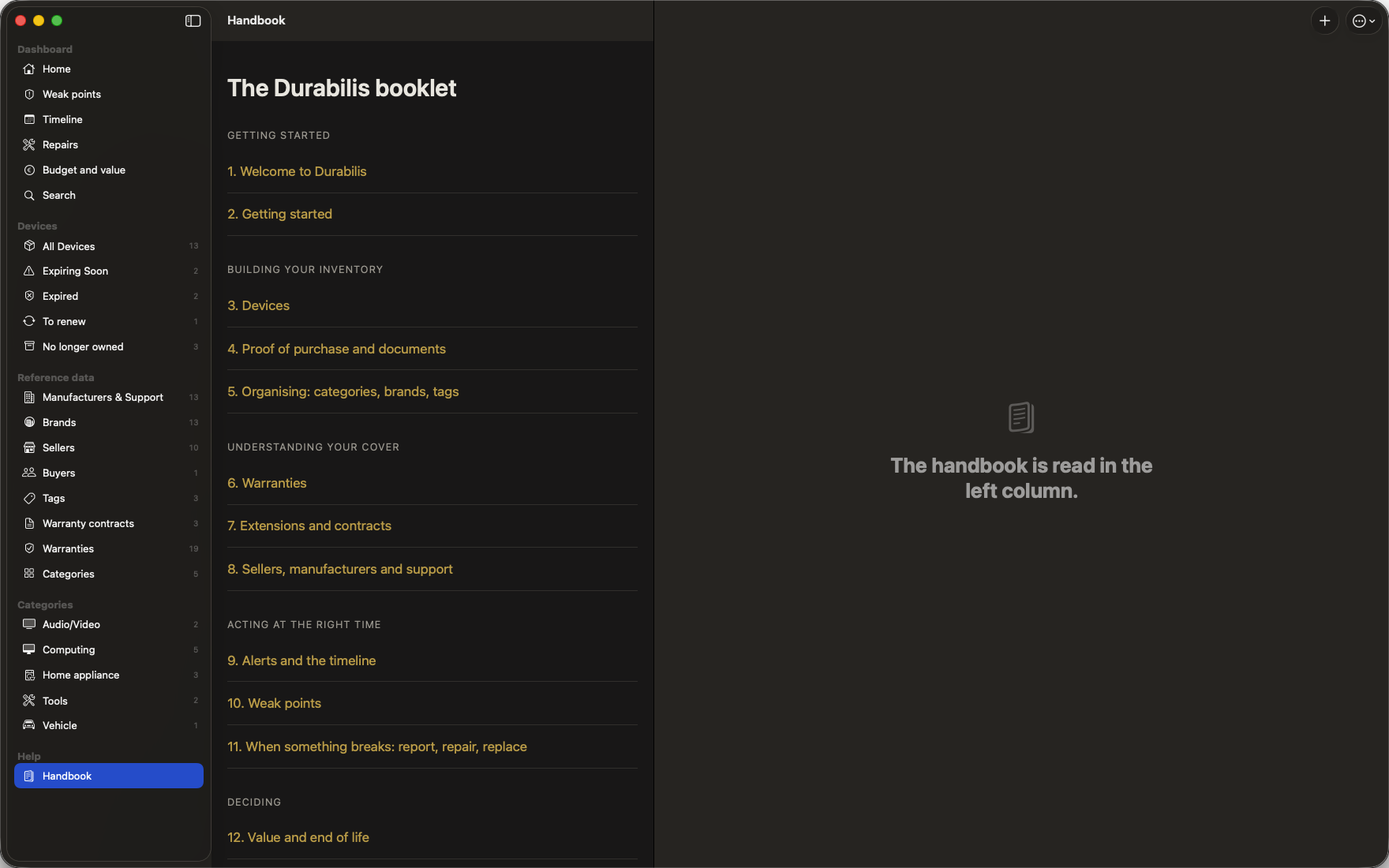
The handbook’s contents, in the main window.
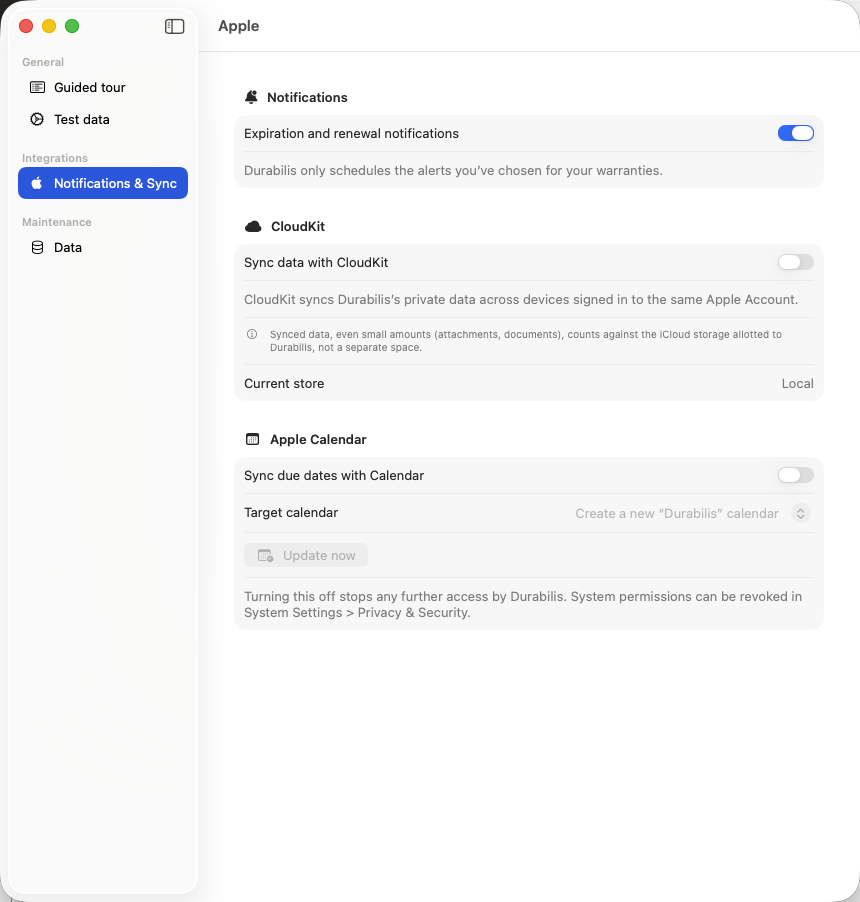
Expiry and renewal alerts, CloudKit sync and Apple Calendar are all set here.
Siri, Spotlight and Shortcuts
10 Siri commands and 21 actions in the Shortcuts app, on iPhone, iPad and Mac.
Siri commands
Actions in the Shortcuts app
Made to last
Durabilis follows the complete device lifecycle: recording the purchase, adding coverage, keeping evidence, monitoring deadlines and reaching the right support contact quickly.
Data and privacy
Durabilis contains no advertising or analytics SDK and uses no third-party network service. Your information is stored locally on your Mac.
Document recognition runs on the device. Contacts, iCloud, Calendar, Spotlight and notifications remain optional and under your control.
Support
Have a question about Durabilis, its development or future availability? Contact us.
support@rapinology.com →