Athom’s style, measured
Two-point perspective, the device turned 29.5° to the right, a 40-unit outline and 20-unit inner lines, an inset bevel: values taken from some sixty Athom icons, applied to every driver of an app.
Utility for Mac, for Homey developers
Every driver of a Homey app needs its own icon: the device drawn as line art, turned to the right, the way Athom’s designers do it. HomeyIconGenerator remodels the device from its dimensions and its photo, projects it again at the brand angle, and writes an SVG that Homey’s renderer shows exactly as it is. The driver images, cut out on white, come with it.
Version 0.1.0 · 2.5 MB · macOS 27 or later, Mac with Apple silicon
Signed with a Developer ID and notarized by Apple
Features
Two-point perspective, the device turned 29.5° to the right, a 40-unit outline and 20-unit inner lines, an inset bevel: values taken from some sixty Athom icons, applied to every driver of an app.
Face shape, dimensions in millimetres, thickness: the device is remodelled, then projected again at the brand angle, as an Athom designer would. The photo gives the measurements; it is never traced.
Buttons, indicators, grids, screens, slots, cables and pictograms on the face; bulbs, knurled knobs, a sensor and its magnet, with their hidden lines. Every detail stays readable on the 50-pixel tile.
A photo of the device, cut out on your Mac, gives the three driver images, 75, 500 and 1,000 pixels, on a white background as the Homey App Store requires.
A 960 canvas, a single color, no arc and no zero-length segment, a stroke readable at 50 pixels, an icon distinct from the app’s and from the other drivers’, images on white: a report says so before every write.
Open the folder of a Homey app: the state of every driver shows, and the icon, images and model are written in place, once you confirm. Without a project, export the icon wherever you like.
Preview
The editor, then icons produced by HomeyIconGenerator, exactly as it writes them.
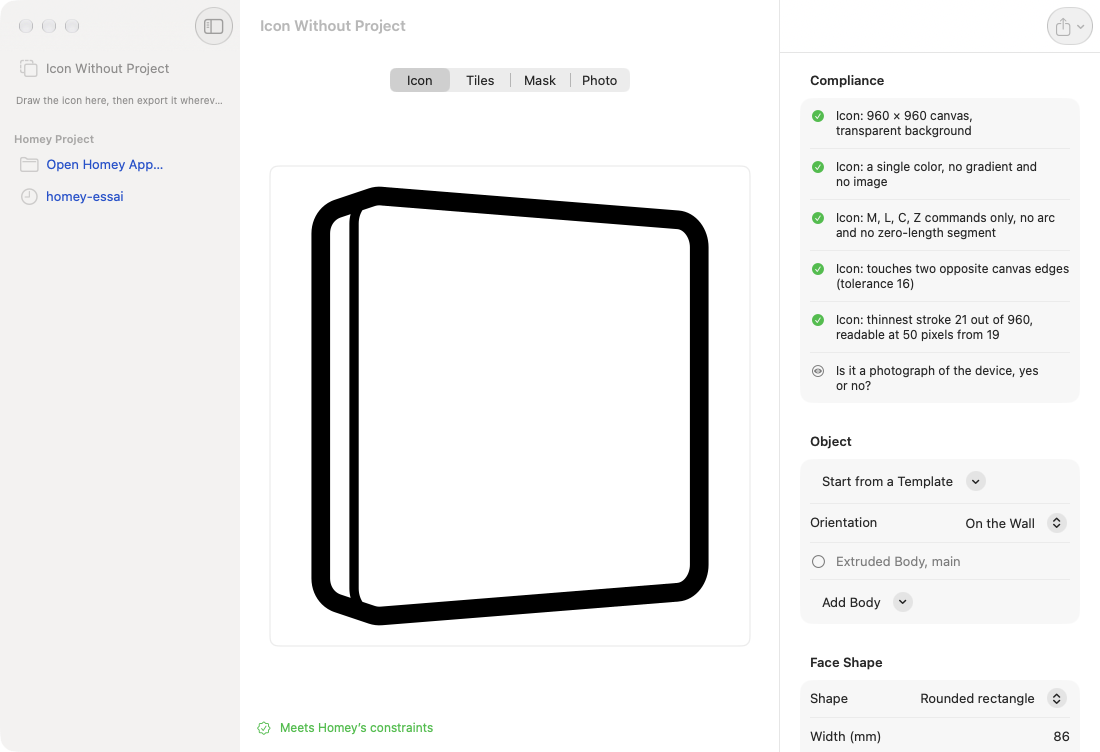
In the middle, the icon as Homey will show it; on the right, the compliance report, then the object, its shape, the angle and the details.
Gallery
Produced by the app, untouched: each icon is an SVG made of a single black path, ready for Homey.
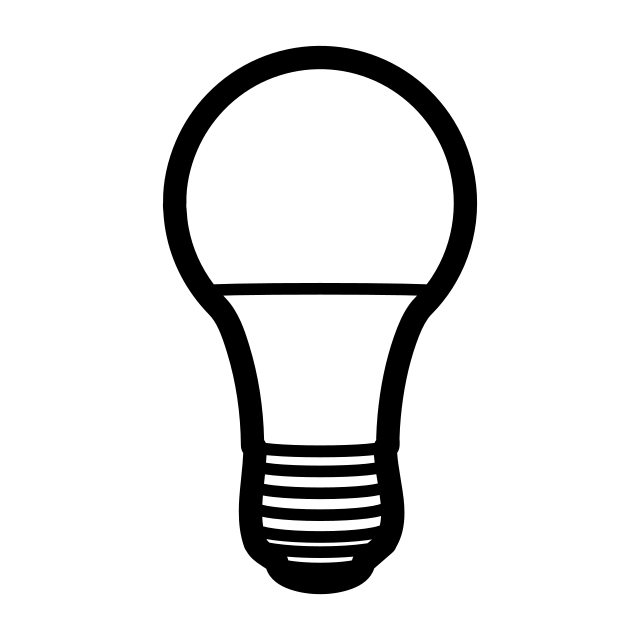
A body of revolution, seen from the side, with its threaded base.

The same profile, clear glass, filaments in the plane of the axis.

The knurled knob hides the bevel line behind it.

A knurled ring and a coupling nut, seen almost from the side.
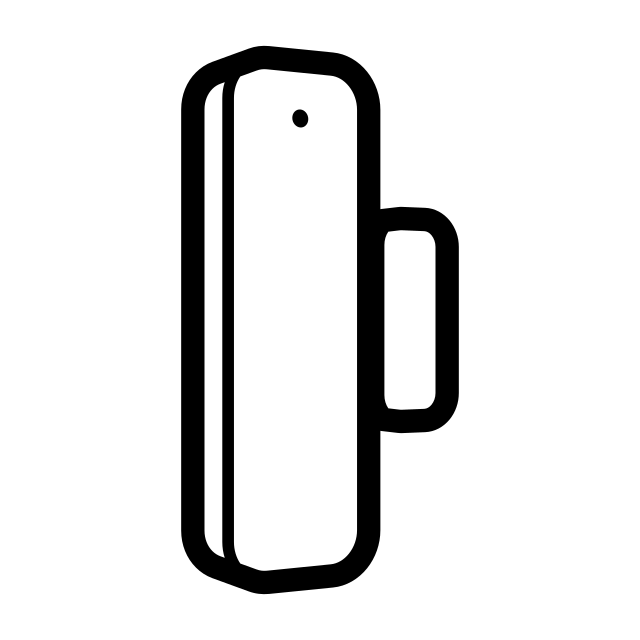
The sensor and its magnet, the magnet partly hidden.

Mounted on the ceiling, with the grooves on its side.
Private data
No account, no tracker, no data collected. Your projects, photos and icons never leave your Mac.
Photos are cut out on your Mac, and the app only writes to the folder you open, once you confirm.
The update check reads a small version file on this site. Nothing is sent, and it can be turned off.
Support
Installation, the Homey project, the Homey App Store rules: the support page answers the essentials, and we read every message.
Visit the support page →